FREE TOOLS · AI REVIEWS · HOSTING GUIDES

Free Online Tools, AI & Hosting Reviews

Compress, convert and edit files in seconds, then choose the right AI tool or web host.

Key takeaway

In short: Teasoft is one free toolkit for everyday tasks. Change text case, compress and convert images, merge and edit PDFs, format social posts and code, generate names, make random picks and solve word games, all in your browser with no sign-up. Hands-on AI tool and web hosting reviews then help you choose the right software.

Find a Free Online Tool

Search or pick a category. Every tool is free, with no sign-up.

Popular:
No tools foundTry a simpler word like “compress”, “PDF” or “case”.
AI tool comparison

Compare AI Tools Side by Side

Pick any two AI tools in our directory and compare pricing, free plans, platforms and features side by side.

    VS

      Popular comparisons

      Popular AI tools at a glance

      AI toolBest forFree planPaid fromPlatformsReview
      ChatGPT logoChatGPTWriting, research and codingYes$8/moWeb, iOS, Android, Windows, macOSRead review
      Claude logoClaudeWriting, analysis and codingYes$17/moWeb, Windows, macOS, iOS, AndroidRead review
      Google Gemini logoGoogle GeminiResearch and Google appsYes$7.99/moWeb, Android, iOS, WorkspaceRead review
      Perplexity AI logoPerplexity AIWeb answers with sourcesYes$16.67/moWeb, Windows, macOS, iOS, AndroidRead review
      Cursor logoCursorAI code editorYes$20/momacOS, Windows, Linux, WebRead review
      GitHub Copilot logoGitHub CopilotCoding inside your editorYes$10/moVS Code, JetBrains, Xcode, CLIRead review
      Midjourney logoMidjourneyArtistic AI images and videoNo$8/moWeb, DiscordRead review
      Leonardo.Ai logoLeonardo.AiAI images with creative controlsYes$10/moWeb, iOS, Android, APIRead review
      DeepSeek logoDeepSeekFree AI chat and reasoningYesFreeWeb, iOS, Android, APIRead review

      "Paid from" is the lowest paid plan in USD. Plans change often, so confirm on the official site. Browse all AI tools

      Explore Free Online Tools by Category

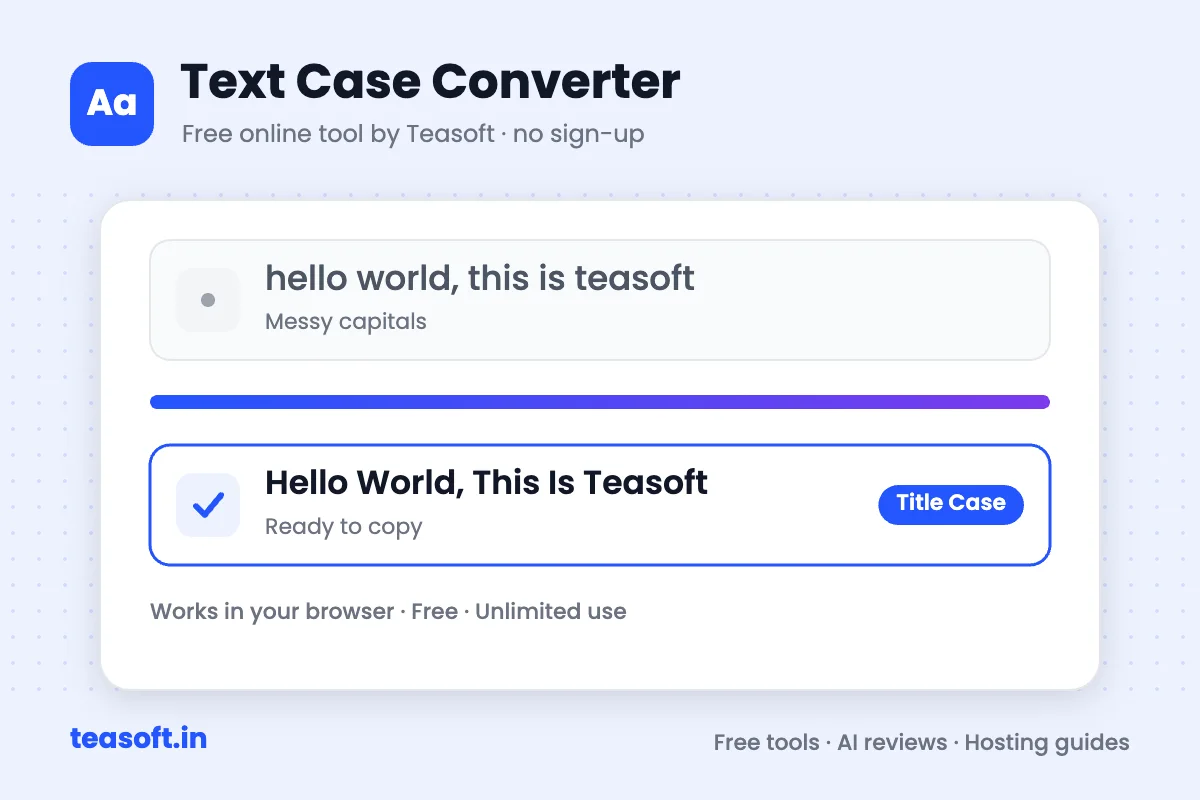
      Text Case Converter

      Change text to UPPERCASE, lowercase, Title Case, camelCase and more.

      Open text case tools

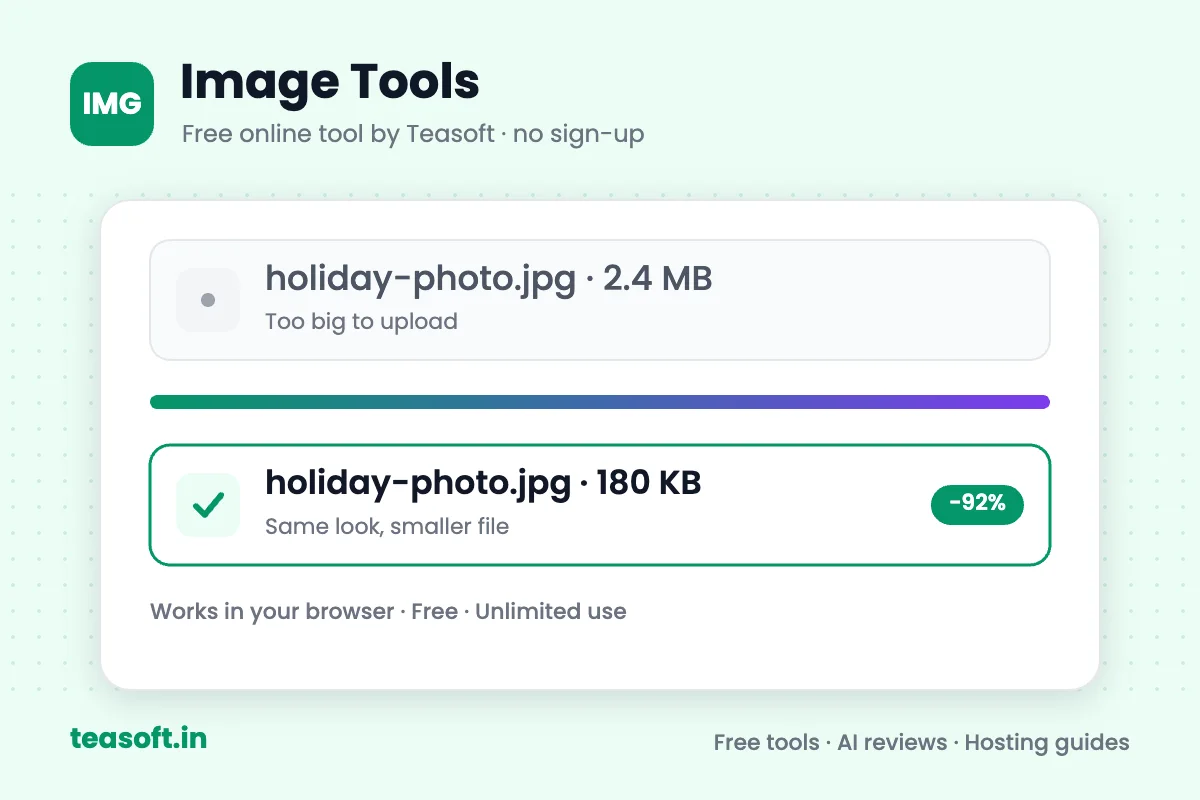
      Image Tools

      Convert, compress, resize, crop and edit JPG, PNG, WEBP and HEIC images.

      Open image tools

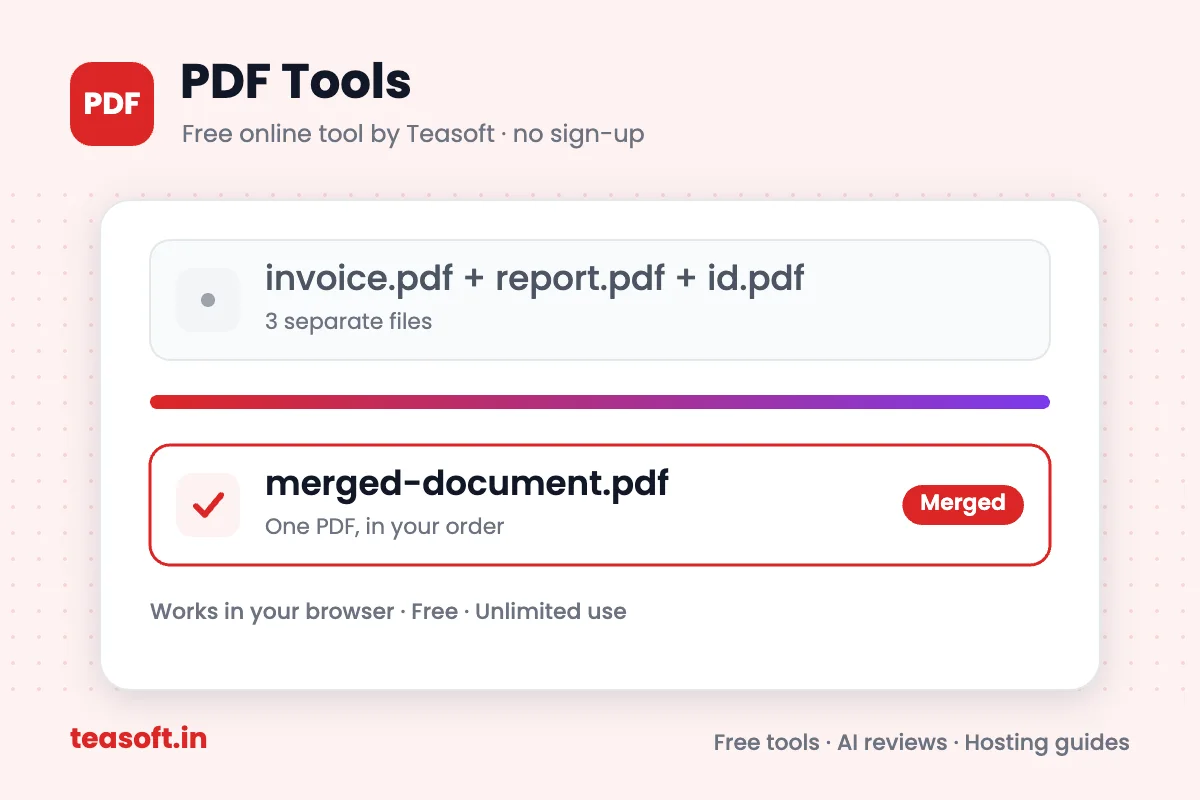
      PDF Tools

      Convert, merge, split, compress, sign, protect and edit PDF files.

      Open PDF tools

      Text Formatter

      Add bold, italic and fancy text to LinkedIn, Instagram, X and more.

      Open text formatters

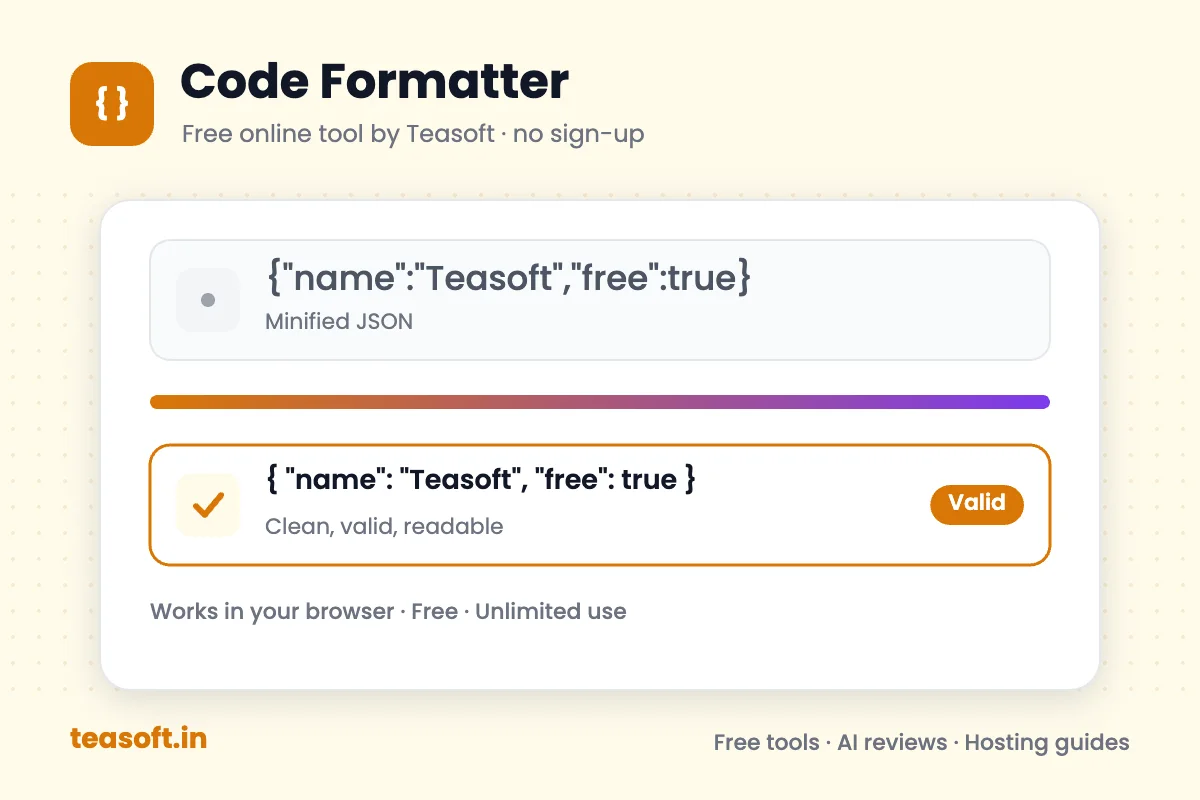
      Code Formatter

      Beautify, minify and validate JSON, HTML, CSS, JavaScript, SQL and XML.

      Open code formatters

      Name Generator

      Create names for businesses, brands, characters, usernames and pets.

      Open name generators

      Random Generator

      Spin a wheel, pick winners, roll dice, flip a coin and create passwords.

      Open random tools

      Word Finder

      Solve Wordle, unscramble letters and find 3 to 7 letter words with Scrabble scores.

      Open word finder tools

      AI Tools Directory

      Honest reviews of AI tools for writing, design, video, voice, coding and business.

      Browse AI tool reviews

      Web Hosting Reviews

      In-depth reviews comparing popular web hosts on speed, price, support and features.

      Compare web hosting
      Web hosting comparison

      Compare Web Hosting Side by Side

      Pick any two web hosting providers in our directory and compare starting prices, hosting types, company details and more side by side.

        VS

          Popular comparisons

          Popular web hosts at a glance

          Web hostBest forPaid fromHosting typesBased inReview
          Hostinger logoHostingerBudget sites and beginners$2.49/moWeb, WordPress, Cloud, VPSLithuaniaRead review
          Bluehost logoBluehostWordPress beginners$3.99/moWeb, WordPress, WooCommerce, VPSUnited StatesRead review
          SiteGround logoSiteGroundManaged hosting on Google Cloud$3.99/moWeb, WordPress, WooCommerce, CloudBulgariaRead review
          Cloudways logoCloudwaysManaged cloud, pay as you go$14/moCloud, WordPress, WooCommerce, PHPMaltaRead review
          Kinsta logoKinstaPremium managed WordPress$35/moWordPress, WooCommerce, CloudUnited KingdomRead review
          WP Engine logoWP EngineManaged WordPress for businesses$28/moWordPress, WooCommerceUnited StatesRead review
          DigitalOcean logoDigitalOceanDevelopers and cloud VPS$4/moCloud VPS, Kubernetes, DatabasesUnited StatesRead review
          Vultr logoVultrLow-cost cloud VPS$2.50/moCloud VPS, Bare Metal, Cloud GPUUnited StatesRead review

          "Paid from" is the lowest advertised plan in USD, excluding taxes. Intro prices often rise at renewal, so confirm on the official site. Browse all hosting reviews

          Our process

          How We Review & Test AI Tools and Web Hosting

          Every AI tool and hosting review on Teasoft follows the same five steps, so the facts are current and every review can be compared fairly.

          1. 01

            Hands-on use

            We sign up and use each AI tool or hosting plan on real, everyday tasks before we write about it.

          2. 02

            Facts from the official source

            Pricing, free plans, platforms and features come from the provider’s own website, not from old lists or rumours.

          3. 03

            Same checklist every time

            Every review answers the same questions, so you can compare tools and hosts fairly, side by side.

          4. 04

            Dated and re-checked

            Each review shows when prices were last checked, and we update it when plans or features change.

          5. 05

            A named reviewer

            Every review is written and signed by Amandeep Bindra, so you always know who is behind it.

          What we check in every AI tool review

          In short, we check six things: what the tool does, its free plan, paid pricing, apps, privacy and the best alternatives.

          • What it does and who it is for
          • Free plan and limits
          • Paid plans and pricing
          • Apps and platforms
          • Privacy and data controls
          • Best alternatives
          See an example: ChatGPT review

          What we check in every hosting review

          In short, we check six things: plans, renewal prices, uptime, free extras, support and who the host suits best.

          • Plans and starting prices
          • Renewal prices and taxes
          • Uptime guarantee
          • Free domain, SSL and email
          • Support options
          • Who it is best for
          See an example: Hostinger review

          Spotted a price or feature that has changed? Tell us and we will re-check it.

          Report an update

          Why Use Teasoft’s Free Online Tools?

          The short answer: every Teasoft tool is free, runs in your browser and needs no account, so you can finish a quick task in seconds on any phone or computer.

          Free, With No Sign-Up

          Every tool is 100% free with unlimited use. No account, no email and nothing to install.

          Private on Any Device

          Works on iPhone, Android, Windows and Mac. PDF tools run in your browser, so your files stay with you.

          Honest Reviews

          Compare AI tools and web hosts on pricing, features and alternatives before you buy.

          Ask ollrt ai to Find the Right Free Tool

          Not sure which tool to use? Describe your task in your own words and ollrt ai will find the right free tool, AI tool review or web host in seconds.

          ollrt aiFinds the right Teasoft tool for you

          Covers Teasoft tools, AI tool reviews and web hosts. Free, no sign-up.

          How to Use Teasoft in 4 Simple Steps

          In short: pick a tool, add your text or files, adjust the settings and copy or download the result. Most tasks take less than a minute.

          Find your tool

          Search for what you need, like “compress PDF” or “bold text”, or browse by category: images, PDFs, text, code, names and random generators.

          Add your text or files

          Paste your text or code, or drag and drop images and PDFs straight into the tool. No account or sign-up needed.

          Adjust the settings

          Choose the case style, image size, quality, page order, code indentation or any other option you need.

          Copy or download

          Copy your result or download your file in seconds. Every tool is free, so use it as often as you like.

          About the company

          Built by AdBindra Corporation

          Teasoft is built and run by AdBindra Corporation, a company working in web development, AI and digital marketing. Our goal is simple: free online tools that just work in your browser, and clear, up-to-date reviews that help you choose the right AI tool or web host.

          A product ofAdBindra Corporation
          100% freeno sign-up, no install
          Free toolsfor images, PDFs, text & code
          AI toolsreviewed & compared
          Web hostingreviewed & compared

          Frequently Asked Questions

          Teasoft is a free website with online tools for everyday tasks. You can change text case, convert and compress images, merge, split and edit PDFs, format text for social media, beautify or minify code, generate names, make random picks and find words for Wordle and Scrabble. All tools work in your web browser with no sign-up. Teasoft also publishes reviews of AI tools and web hosting.

          Yes. Every Teasoft tool is 100% free, with no hidden fees, no trial and no paid plan needed to download your result. You can use the tools as many times as you need.

          No. You do not need an account, an email address or an app. Open any tool in Chrome, Safari, Edge or Firefox and start right away.

          Open the Convert Case tool, paste your text and choose UPPERCASE, lowercase, Sentence case or Title Case. Then copy the converted text.

          Open the JPG to PDF converter, add one or more JPG images, choose the page size, orientation and margins, and download one PDF. You can also use PNG to PDF and WEBP to PDF.

          Use Compress Image to 20KB, 50KB, 100KB or 200KB. Upload your photo and download a smaller copy under the target size, which is handy for job, exam and government forms. For any size, use Compress Image.

          Open Merge PDF, add your PDF files, put them in the order you want and download one combined PDF. To pull pages out of a PDF, use Split PDF.

          Use Compress PDF. Upload your file, choose light, recommended or strong compression and download the smaller PDF.

          Open the PDF to Word converter, add your PDF and download an editable .docx file. You can also convert PDF to Excel and PDF to PowerPoint, or go the other way with Word to PDF.

          Use the HEIC to JPG converter. Upload your iPhone photos and download JPG files that open on Windows, Android and most websites. For lossless files, use HEIC to PNG.

          These apps have no bold button, so Teasoft turns your text into Unicode bold, italic and other styles that you can paste into a post. Use the LinkedIn, Instagram or X (Twitter) formatter, or the Bold Text Generator.

          Open the Code Formatter and choose JSON, HTML, CSS, JavaScript, XML, SQL or YAML. Paste your code to beautify it with clean indentation, or minify it to make the file smaller, then copy the result. The JSON and XML formatters also check your code for syntax errors.

          Open the Passport Size Photo Maker, upload a clear front-facing photo, crop it to the size you need and download a single photo or a print sheet.

          Open the Giveaway Winner Picker, paste your list of entrants and draw one or more winners at random. For a classroom or team draw, use the Random Name Picker, or try Spin the Wheel for a fun, visual pick.

          Open the Secure Password Generator, choose the length and whether to include letters, numbers and symbols, then copy your new password. Passwords are created in your browser.

          Use the Wordle Solver. Enter your green, yellow and grey letters to see every possible answer and the best next guess. To make words from jumbled letters, use the Word Unscrambler, or browse 5 letter words and other word lists with Scrabble scores. You can also play the Daily Word Challenge.

          Yes. The AI Tools Directory reviews popular AI tools, such as ChatGPT, Canva AI, ElevenLabs and Lovable. Web Hosting Reviews compares popular web hosts, including Hostinger, Bluehost, SiteGround and Cloudways, to help you choose the right one for your website.

          Yes. Teasoft works on iPhone, Android phones and tablets, as well as Windows, Mac and Chromebook computers. Open any tool in your mobile browser.

          Teasoft supports JPG, PNG, WEBP, HEIC, AVIF, SVG, GIF, BMP, TIFF, PSD and ICO images, plus PDF, Word (.docx), Excel, CSV, PowerPoint (.pptx) and HTML, as well as JSON, XML, YAML, SQL, CSS and JavaScript code.

          About Teasoft

          Teasoft (teasoft.in) is a free online toolkit with tools for text, images, PDFs, code and more. It brings a text case converter, image converter and compressor, PDF converter and editor, social media text formatter, code formatter, name generator and random generators together on one website.

          It is useful for students preparing assignments and online applications, office teams handling documents, creators and marketers formatting social posts, developers cleaning up code, and teachers, streamers and event hosts running fair random draws.

          The tools are organised into eight categories: Text Case Converter, Image Tools, PDF Tools, Text Formatter, Code Formatter, Name Generator, Random Generator and Word Finder. Each tool has its own page with a short how-to guide and answers to common questions. Alongside the tools, the AI Tools Directory and Web Hosting Reviews help you pick the right software and host for your work.

          Every tool is free, needs no account and runs in your web browser, so you can finish a task in seconds on a computer, tablet or phone.

          Teasoft Free Tools at a Glance

          Website
          teasoft.in
          Price
          Free, no hidden fees
          Account needed
          No sign-up required
          Categories
          Text Case, Image, PDF, Text Formatter, Code Formatter, Name Generator, Random Generator, AI Tools Directory, Web Hosting Reviews
          Works on
          iPhone, Android, Windows, Mac, Chromebook
          File formats
          JPG, PNG, WEBP, HEIC, PDF, DOCX, XLSX, PPTX, JSON, XML and more

          Most Popular Tools

          Quick answers

          Teasoft at a Glance: Quick Answers

          Short, direct answers about who runs Teasoft, what it offers and how it keeps your files and reviews trustworthy.

          Who makes Teasoft?

          Teasoft is built and run by AdBindra Corporation, a company working in web development, AI and digital marketing. The team builds the free tools and writes the AI tool and web hosting reviews.

          What free tools does Teasoft offer?

          Teasoft offers free online tools for every everyday task, grouped into these categories: Text Case Converter, Image Tools, PDF Tools, Text Formatter, Code Formatter, Name Generator, Random Generator and Word Finder.

          Who is Teasoft for?

          Teasoft is for students preparing assignments and online forms, office teams handling documents, creators formatting social posts, developers cleaning up code, and teachers, streamers and hosts running fair random draws.

          Is it safe to use Teasoft with private PDF files?

          Yes. Teasoft’s PDF tools process your files in your browser, so they are never uploaded to a server. You also do not need an account, so no profile or email is stored.

          How are Teasoft’s AI tool and hosting reviews kept accurate?

          Every review follows the same process: hands-on use, facts from the official source, the same checklist each time, a named reviewer and a date showing when it was last checked. If a price or feature changes, you can report an update.

          Watch: What is Teasoft?

          A quick tour of Teasoft’s free tools, how they work and how we review AI tools and web hosting.

          Read the video transcript

          Teasoft: free online tools that just work in your browser, a product of AdBindra Corporation. Free tools for text, images, PDFs, code, names, random picks and word games. No sign-up and nothing to install. Works in Chrome, Safari, Edge and Firefox, on iPhone, Android, Windows, Mac and Chromebook, with unlimited use and no hidden fees. PDF tools process your files in your browser, so they are never uploaded. It works in a few simple steps: find your tool, add your text or files, adjust the settings, then copy or download. Honest AI tool and web hosting reviews: hands-on use, facts from the official source, the same checklist for every review, dated and re-checked. Try it free at teasoft.in.

          More videos on our YouTube channel

          See Teasoft Tools in Action

          Real examples of what each free tool does. Tap a picture to open the tools.