❯
❯
Best Free AI Tools in 2026 for Every Task
Updated5 min readBy

Best Free AI Tools in 2026 for Every Task

Looking for AI tools that are actually free? We tested and compared the 7 best free AI tools in 2026, including ChatGPT, Gemini, Perplexity, Canva AI, Leonardo AI, CapCut and ElevenLabs, so you can pick the right one for writing, research, design, images, video and voice.
7 best free AI tools in 2026 for writing, research, search, design, images, video and voice

On this page

Overview

The best free AI tools in 2026 are ChatGPT for writing, Google Gemini for research, Perplexity AI for search with sources, Canva AI for design, Leonardo AI for images, CapCut for video and ElevenLabs for voice. All seven have a free plan you can keep using, and paid upgrades start at around $6 to $20 a month.

Plenty of AI tools call themselves free, then ask for a card after a handful of prompts. For this list we only picked tools you can keep using at $0, and we chose one for each common job so you are not comparing seven chatbots that do the same thing.

For each tool you will find what the free plan actually includes, where it falls short and when paying starts to make sense. If you want to dig further, our AI tools directory lets you browse and compare hundreds more.

Best free AI tools at a glance

ToolBest forWhat you get freePaid from
ChatGPT logoChatGPTWriting and everyday questionsEveryday chat with daily limits on uploads, images and voiceAbout $8/mo
Google Gemini logoGoogle GeminiResearch and Google usersGemini app with fast models and basic image creation$7.99/mo
Perplexity AI logoPerplexity AIAI search with sourcesUnlimited basic searches plus a few Pro searches a day$16.67/mo
Canva AI logoCanva AIDesign and social graphicsBasic AI tools and about 50 AI credits a month$12/mo
Leonardo AI logoLeonardo AIAI images150 tokens a day and basic models$10/mo
CapCut logoCapCutVideo editingBasic editing, free templates and some AI featuresAbout $15/mo
ElevenLabs logoElevenLabsVoiceoverAbout 10,000 credits a month (around 10 minutes of speech)$6/mo

Prices checked in October 2026 (USD), billed yearly where noted, and may vary by country and app store.

How we chose these tools

We kept the rules simple. Every tool had to offer a free plan with no time limit, be useful enough at $0 to finish real work, and be the best option for its particular job. Each one also has a full hands-on review in our directory, so you can see the detail behind every pick.

01

ChatGPT

Best free AI tool for writing and everyday questions

Best for
Writing and everyday help
Free plan
Yes, no card needed
Paid from
About $8/mo
ChatGPT homepage preview screenshot

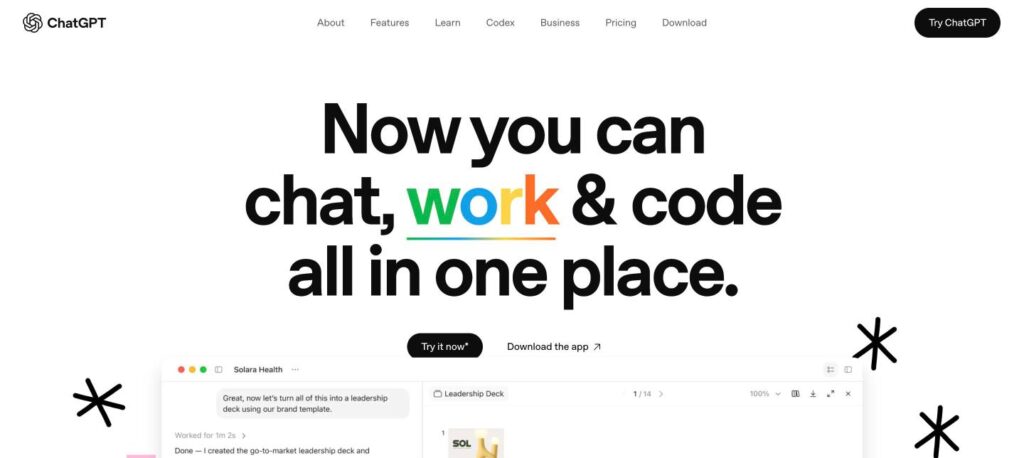
If you only try one AI tool, make it ChatGPT. It is still the easiest way to get help with almost anything: drafting an email, explaining a tricky topic, fixing a bit of code or making sense of a long PDF. The free version is good enough that many people never upgrade.

What you get free

Where it falls short

Who it’s for Students, writers, marketers and anyone who wants one assistant that does a bit of everything.

02

Google Gemini

Best free AI tool for research and Google users

Best for
Research and Google apps
Free plan
Yes, no card needed
Paid from
$7.99/mo
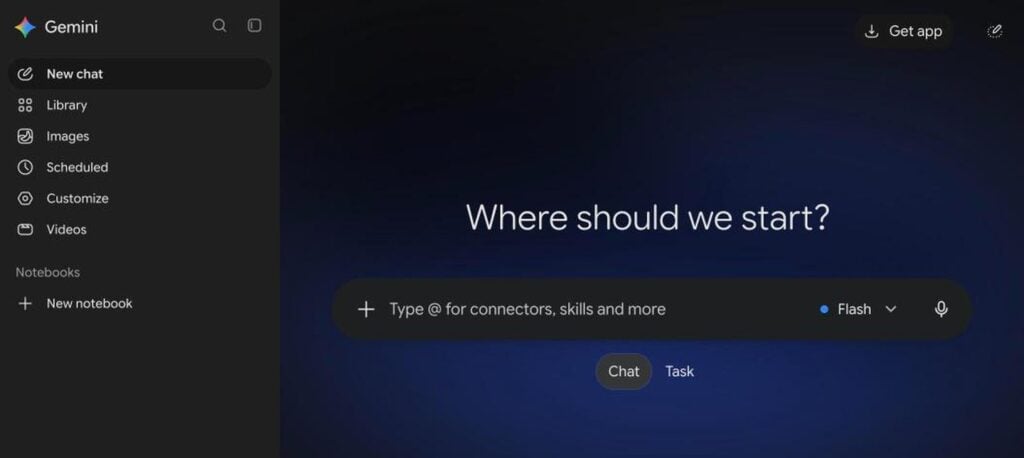
Google Gemini homepage screenshot

Gemini makes the most sense if your day already runs on Google. It answers questions, summarises long articles and creates simple images, and it feels at home on Android phones. For quick research and planning, it is a strong free alternative to ChatGPT.

What you get free

Where it falls short

Who it’s for Android and Google Workspace users who want fast research help.

03

Perplexity AI

Best free AI search engine with sources

Best for
Research you can verify
Free plan
Yes, no card needed
Paid from
$16.67/mo
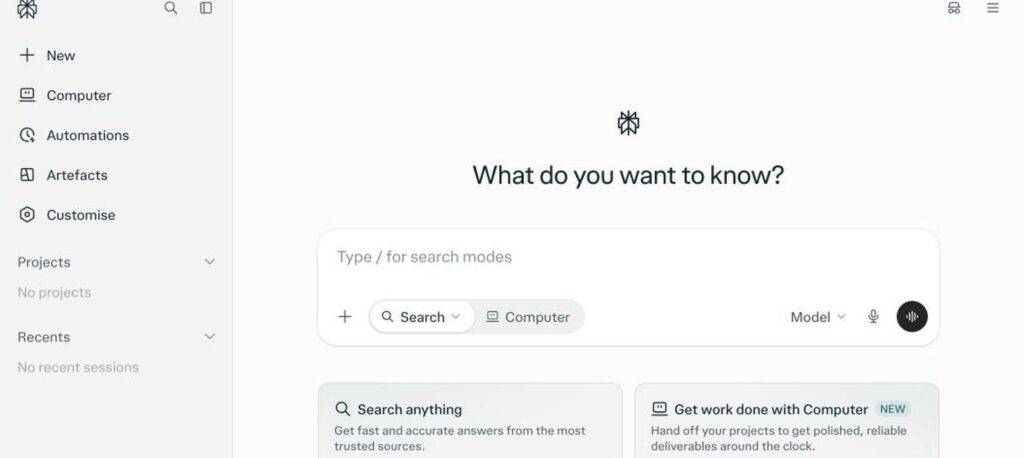
Perplexity AI homepage screenshot

Perplexity is what you reach for when you need an answer you can trust. Instead of ten blue links, it searches the web and writes a short answer with numbered sources underneath, so you can click through and check every claim.

What you get free

Where it falls short

Who it’s for Students, researchers and anyone who wants to verify what AI tells them.

04

Canva AI

Best free AI tool for design

Best for
Social posts and presentations
Free plan
Yes, no card needed
Paid from
$12/mo
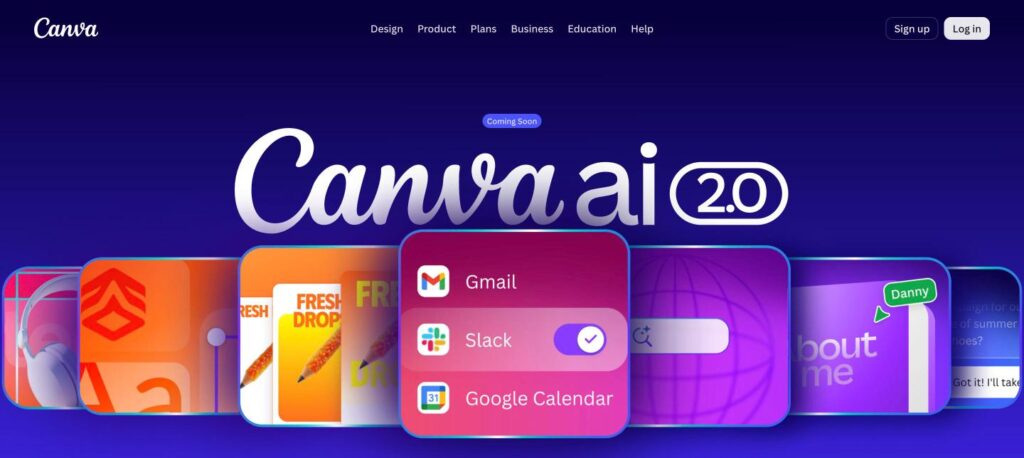
Canva AI homepage preview screenshot

Canva AI is the easiest way to make something that looks designed when you are not a designer. Describe what you need, and it gives you an editable layout for a social post, presentation or flyer that you can tweak in Canva’s familiar editor.

What you get free

Where it falls short

Who it’s for Creators, small businesses and social media managers.

05

Leonardo AI

Best free AI image generator

Best for
Original images and art
Free plan
Yes, no card needed
Paid from
$10/mo
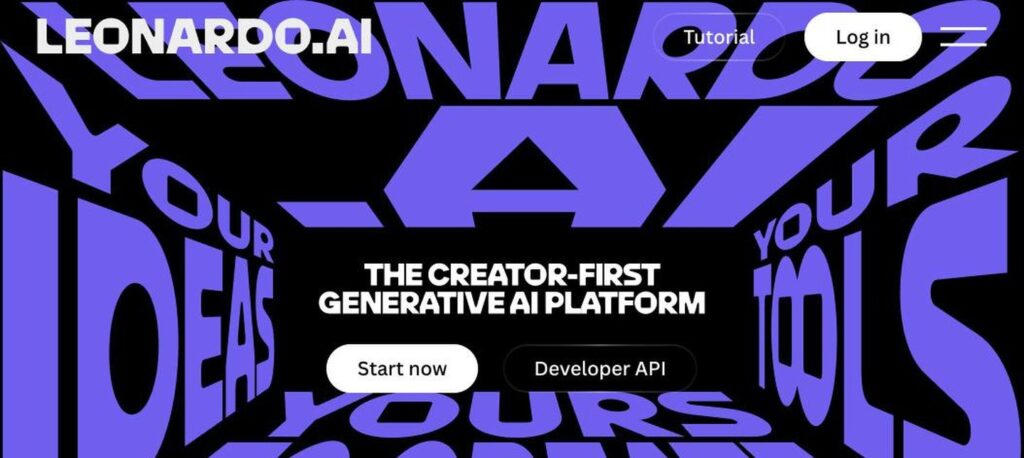
Leonardo.Ai homepage screenshot

Leonardo AI is our pick for free image generation because the daily allowance is genuinely usable. You get a range of models and style presets, so you can go from a realistic product shot to concept art without switching tools.

What you get free

Where it falls short

Who it’s for Anyone who needs original images without paying for stock photos.

06

CapCut

Best free AI video editor

Best for
Short videos and reels
Free plan
Yes, no card needed
Paid from
About $15/mo
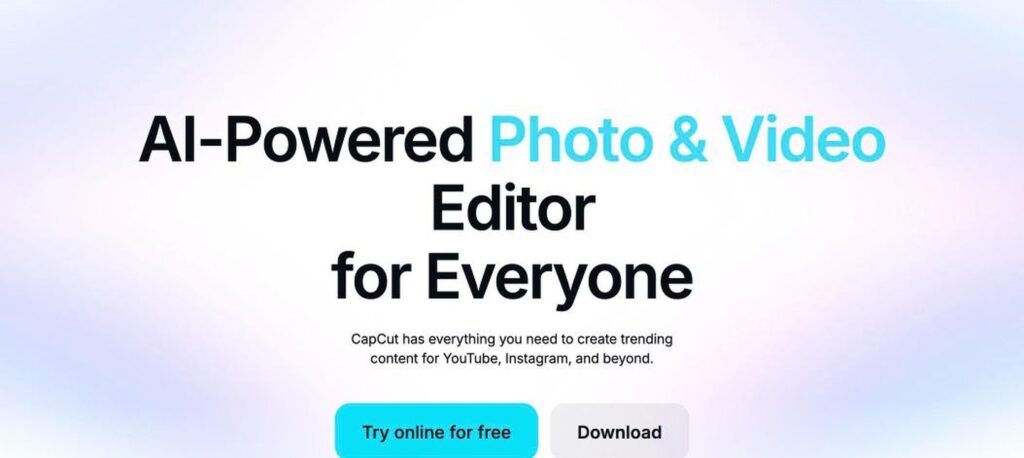
CapCut homepage screenshot

CapCut, from ByteDance, is built for the way people make video today: short, vertical and fast. Auto captions, background removal and trending templates make it easy to turn raw clips into a reel in a few minutes.

What you get free

Where it falls short

Who it’s for Creators making videos for Instagram, YouTube Shorts and TikTok.

07

ElevenLabs

Best free AI voice generator

Best for
Voiceover and narration
Free plan
Yes, no card needed
Paid from
$6/mo
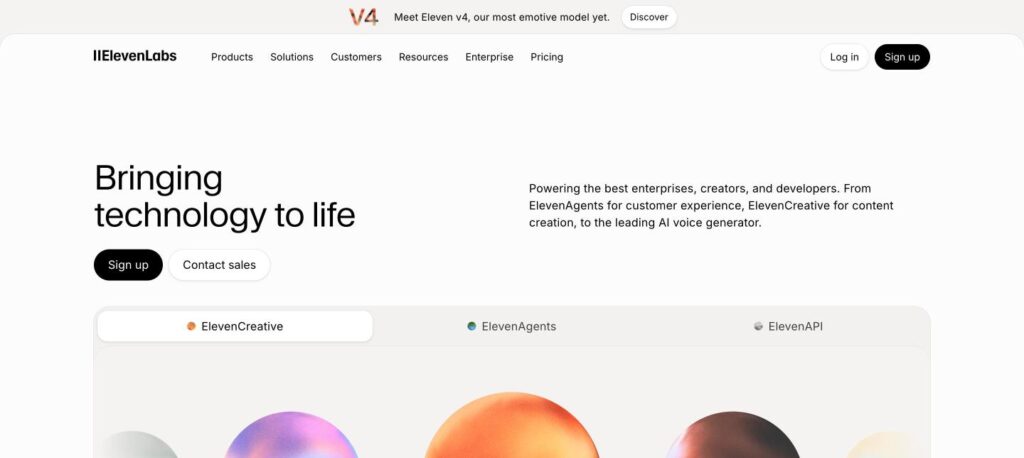
ElevenLabs homepage preview screenshot

ElevenLabs produces some of the most natural AI voices you can hear today. Paste in a script, pick a voice and you get narration that sounds close to a real person, in dozens of languages.

What you get free

Where it falls short

Who it’s for Testing voiceovers and narration for personal projects.

Which free AI tool should you choose?

Start with the job you need done, then pick the tool. In practice, most people end up using two or three of these together. You might write a script in ChatGPT, design the thumbnail in Canva and edit the video in CapCut, without paying for any of them.

Compare popular AI tools side by side

Torn between two options? Our comparison tool puts features, pricing and free plans next to each other.

Tips to get more out of free AI tools

  1. Be specific in your prompts. Say who it is for, the tone you want and the format, such as a five-point list for beginners.
  2. Double-check facts. AI still makes mistakes, and Perplexity’s sources make checking quicker.
  3. Save your daily credits for the tasks that matter most.
  4. Read the licence before you publish anything made on a free plan.
  5. Upgrade one tool at a time. If you hit limits every day, a single $6 to $20 plan is usually enough.

Frequently asked questions

For most people it is ChatGPT, because it covers writing, questions, research and coding in one place. If you have a specific job in mind, Perplexity AI is better for research with sources, Canva AI for design, Leonardo AI for images, CapCut for video and ElevenLabs for voice.

Yes. All seven have a free plan you can keep using without adding a card. The catch is usage limits, which paid plans raise.

ChatGPT and Perplexity AI. ChatGPT is great for explanations and study plans, and Perplexity gives you sources you can cite and check.

It depends on the tool. Some free plans allow it, but others do not. The ElevenLabs free plan, for example, has no commercial licence. Check the terms before you use AI output in paid work.

Leonardo AI, thanks to its 150 free tokens a day and wide choice of styles. Canva AI is a good option if you want to drop images straight into a design.

ChatGPT is the better all-rounder for writing and everyday tasks, while Gemini suits people who live in Gmail, Docs and Android. Both are free to try, so it is worth comparing them side by side.

The bottom line

You do not need a budget to get real value from AI. Between these seven tools you can write, research, design, create images, edit video and record voiceovers for free. Pick the one that matches your biggest task, get to know its limits, and only pay when it is clearly saving you time.

Looking for a different tool?

Browse and compare hundreds of AI tools by task, features and price.

Found this useful? Share it