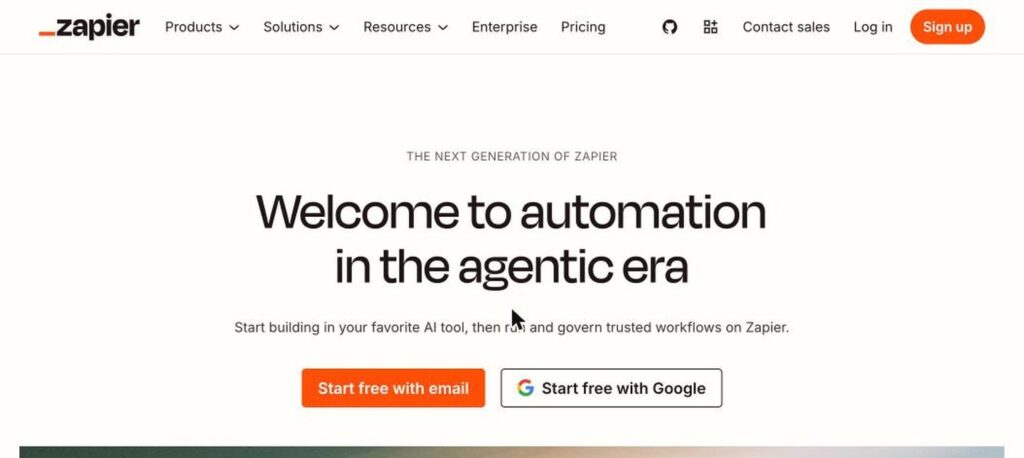
Zapier is a no-code automation platform that connects thousands of apps so work happens automatically. You build Zaps (workflows), and AI features like Zapier Agents, Copilot and chatbots help you automate tasks with plain-language instructions. There is a free plan, and Professional starts at $19.99 a month billed yearly.

What is Zapier?
Zapier is the most popular tool for connecting apps without code. When something happens in one app, like a new form entry, Zapier can automatically take actions in other apps, such as adding a CRM contact and sending a Slack message.
Zapier has become an AI orchestration platform. You can add AI steps to workflows, describe automations to Copilot in plain words, build AI agents that work across your apps, and create chatbots, tables and forms.
Zapier key features
Zaps
Automated workflows that connect your apps.
8,000+ app integrations
Connect tools like Gmail, Slack, Sheets and HubSpot.
Zapier Agents
AI agents that do tasks across your apps.
Copilot
Build automations by describing them in plain words.
AI steps
Add AI to summarise, classify or write inside workflows.
Chatbots
Create AI chatbots trained on your data.
Tables and Interfaces
Store data and build simple forms and pages.
Paths and filters
Add logic and conditions to workflows.
MCP support
Let AI assistants use Zapier actions.
Zapier pricing plans (2026)
Zapier charges by tasks. Each completed action step counts as a task, and plans include a monthly task allowance.
Free
100 tasks a month and two-step Zaps for one user.
Professional
750+ tasks a month, multi-step Zaps and premium apps. $29.99 billed monthly.
Team
2,000+ tasks a month, up to 25 users and shared workspaces.
Prices checked in October 2026 (USD, billed yearly). Costs rise with more tasks. Agents and Chatbots have separate plans. Enterprise is custom. Confirm on the official Zapier pricing page.
How to use Zapier
- 1
Go to zapier.com and sign up for free.
- 2
Click Create and choose a Zap, Agent or Chatbot.
- 3
Pick a trigger app and event, or describe your automation to Copilot.
- 4
Add action steps and connect your app accounts.
- 5
Test the workflow and turn it on.
Who should use Zapier?
Small businesses
Automate leads, invoices and follow-ups.
Marketers
Sync forms, CRM and email tools.
Operations teams
Remove manual data entry.
Founders
Build AI agents and workflows without developers.
Pros and cons
What we like
- Connects the most apps
- Easy no-code builder
- Strong AI agents and Copilot
- Free plan to start
Watch out for
- Costs grow with task volume
- Agents and chatbots priced separately
- Complex workflows can get hard to manage
- Free plan is very limited
Best Zapier alternatives
Zapier is still the easiest way to automate work across thousands of apps, and its AI agents make it even more powerful. Start free, then upgrade as your workflows and task volume grow.
Zapier FAQs
Is Zapier free?
Yes. Zapier has a free plan with 100 tasks a month. Professional starts at $19.99/month billed yearly.
What is a task in Zapier?
A task is one completed action step in a Zap, such as creating a contact or sending a message.
What are Zapier Agents?
Zapier Agents are AI agents that can research, decide and take actions across your connected apps.
How many apps does Zapier support?
Zapier connects with more than 8,000 apps.
Is Zapier better than Make?
Zapier is easier and has more integrations, while Make is often cheaper for complex workflows.
When was Zapier founded?
Zapier was founded in 2011 and operates as a remote-first company.