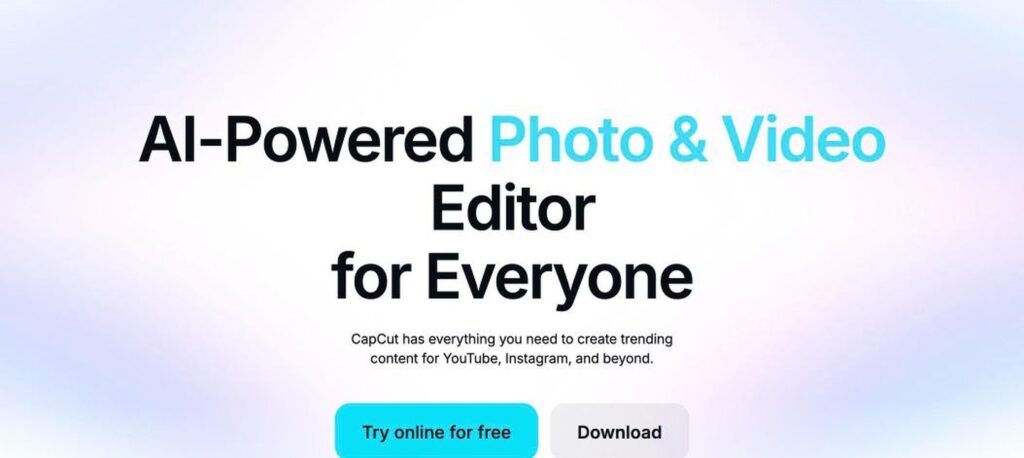
CapCut is a popular video and photo editor from ByteDance, the company behind TikTok. It has easy editing tools, trending templates, auto captions and many AI features like background removal and AI video creation. The basic app is free, and CapCut Pro costs about $15 a month billed yearly.

What is CapCut?
CapCut is one of the most downloaded video editing apps in the world. It is designed for short-form content for TikTok, Instagram Reels and YouTube Shorts, with trending templates, effects, music and text styles.
Its AI tools include auto captions, background removal, AI voice, script to video, long video to shorts and smart enhancements. The free version covers most basic editing, while CapCut Pro unlocks premium effects, more AI credits and cloud storage.
CapCut key features
Auto captions
Generate accurate subtitles automatically.
Templates
Use trending templates for quick edits.
Background removal
Remove video and photo backgrounds with AI.
AI video maker
Turn scripts or ideas into videos.
Long video to shorts
Cut long videos into short clips with AI.
Text to speech
Add AI voices to your videos.
Effects and filters
Huge library of effects, transitions and music.
Photo editor
Edit images with AI tools.
Cloud storage
Save and sync projects across devices.
CapCut pricing plans (2026)
CapCut is free to use with basic features. CapCut Pro unlocks premium assets, more AI credits and storage.
Free
Basic editing, free templates and limited AI features.
Pro
Premium effects and assets, 1,200 AI credits a month and more storage. $19.99/mo billed monthly.
Teams
Per seat. Shared workspace and collaboration for teams.
Prices checked in October 2026 (USD). Pro is $179.99 a year (about $15/month). Prices differ by country and app store, and an Ultra plan is also available. Confirm on the official CapCut website.
How to use CapCut
- 1
Go to capcut.com or download CapCut on your phone or computer.
- 2
Create a new project and import your videos and photos.
- 3
Trim clips and add music, text, effects and transitions.
- 4
Use AI tools like auto captions or background removal.
- 5
Export your video and share it to TikTok, Instagram or YouTube.
Who should use CapCut?
Content creators
Edit short videos for social media.
Social media managers
Create branded content quickly.
Small businesses
Make product and promo videos.
Beginners
Learn video editing with an easy app.
Pros and cons
What we like
- Free with powerful features
- Very easy to use
- Great templates and effects
- Works on phone, web and desktop
Watch out for
- Many best assets need Pro
- Projects with Pro assets need Pro to export
- Privacy concerns for some users
- Availability can vary by country
Best CapCut alternatives
CapCut is one of the best free video editors for social media. Its AI tools and templates make editing fast and easy. Use the free version to start, and upgrade to Pro if you need premium effects and more AI features.
CapCut FAQs
Is CapCut free?
Yes. CapCut is free with basic editing and templates. CapCut Pro unlocks premium features.
How much does CapCut Pro cost?
CapCut Pro costs $19.99/month or $179.99/year (about $15/month) in the US.
Does CapCut add a watermark?
The app does not add a watermark by default, but some templates include an end clip you can remove.
Who owns CapCut?
CapCut is owned by ByteDance, the company behind TikTok.
Does CapCut have AI features?
Yes. CapCut has auto captions, background removal, AI voices, AI video creation and more.
Can I use CapCut on a computer?
Yes. CapCut works on the web, Windows and macOS, as well as iOS and Android.