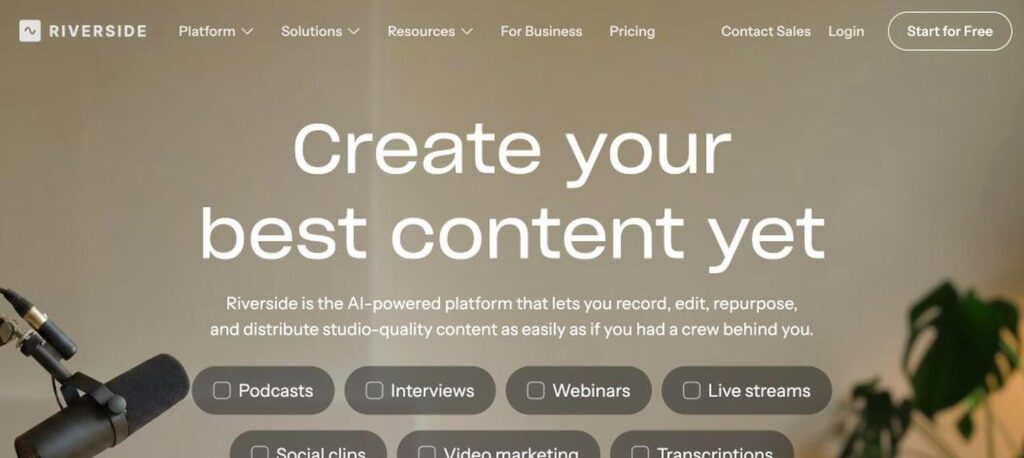
Riverside is an online recording studio for podcasts and video interviews. It records every guest locally in up to 4K video and 48kHz audio, so internet drops do not ruin quality, then uses AI to transcribe, edit and cut short clips. There is a free plan, and Pro costs $24 a month billed yearly.

What is Riverside?
Riverside is a browser-based studio for recording remote podcasts, interviews, webinars and live streams. Instead of recording a compressed video call, it records each participant directly on their own device and uploads the files in the background. This gives you separate high-quality audio and video tracks for every guest.
After recording, Riverside’s AI tools take over. You get automatic transcripts, text-based editing, filler-word removal, AI voice and audio enhancement, and Magic Clips that turn a long episode into short social videos. You can also host your podcast, stream live and run webinars from the same platform.
Riverside key features
Local 4K recording
Each guest is recorded on their own device in up to 4K video and 48kHz audio.
Separate tracks
Download individual audio and video tracks for every participant.
Text-based editing
Edit your recording by editing the transcript, like a document.
Magic Clips
AI finds the best moments and turns them into short vertical clips.
AI transcriptions
Accurate transcripts in 100+ languages, unlimited on paid plans.
Magic Audio
Clean up background noise and balance levels with one click.
Live streaming
Stream to YouTube, LinkedIn and more, with multistreaming on Grow.
Podcast hosting
Publish episodes and track analytics without a separate host.
Webinars
Run webinars with registration, Q&A, polls and lead capture.
Riverside pricing plans (2026)
Riverside has a free plan and four paid plans. Prices below are per month billed yearly; monthly billing costs up to 20% more.
Free
2 hours of multi-track recording, up to 720p video, watermark, unlimited single-track recording and editing.
Pro
4K video, 48kHz audio, no watermark, 15 hours of separate track downloads, unlimited transcripts and podcast hosting.
Grow
2 studios, 20 hours of track downloads, 1080p live streaming, multistreaming and AI thumbnails.
Webinar
3 studios, 25 hours of downloads and webinars for up to 100 registrants.
Business
Unlimited studios, SSO, collaborative editing, API access and a dedicated CSM.
Monthly billing: Pro $29, Grow $39 and Webinar $99. Check the latest prices on the official Riverside pricing page.
How to use Riverside
- 1
Go to riverside.com and sign up for free.
- 2
Create a studio and send the invite link to your guests.
- 3
Record your podcast or interview; each guest is recorded locally.
- 4
Open the editor to cut by text, remove filler words and enhance audio.
- 5
Export the full episode, create Magic Clips and publish or share.
Who should use Riverside?
Podcasters
Record remote interviews in studio quality.
Video creators
Make YouTube shows and social clips.
Marketing teams
Produce webinars, video series and branded content.
Media companies
Record and edit interviews at scale.
Pros and cons
What we like
- Excellent local recording quality
- Separate tracks for every guest
- Strong AI editing and Magic Clips
- Free plan to get started
Watch out for
- Free plan has a watermark and 720p limit
- Track download hours are capped
- Webinars need a higher plan
- Uploads take time on slow connections
Best Riverside alternatives
Riverside is one of the best tools for remote podcast and video recording. Local recording means great quality even on weak connections, and the AI editor and Magic Clips save hours of post-production. Pro is enough for most podcasters.
Riverside FAQs
Is Riverside free?
Yes. The free plan includes 2 hours of multi-track recording, 720p video and a watermark.
How much does Riverside cost?
Pro costs $24 a month, Grow $34 and Webinar $79, all billed yearly. Business is custom.
Does Riverside record in 4K?
Yes. Paid plans record up to 4K video and 48kHz audio locally on each device.
Can Riverside edit videos with AI?
Yes. It has text-based editing, filler-word removal, Magic Audio and Magic Clips.
Can I host a podcast on Riverside?
Yes. Riverside includes podcast hosting and analytics on paid plans.
Does Riverside work on mobile?
Yes. Guests and hosts can record with the Riverside app for iOS and Android.