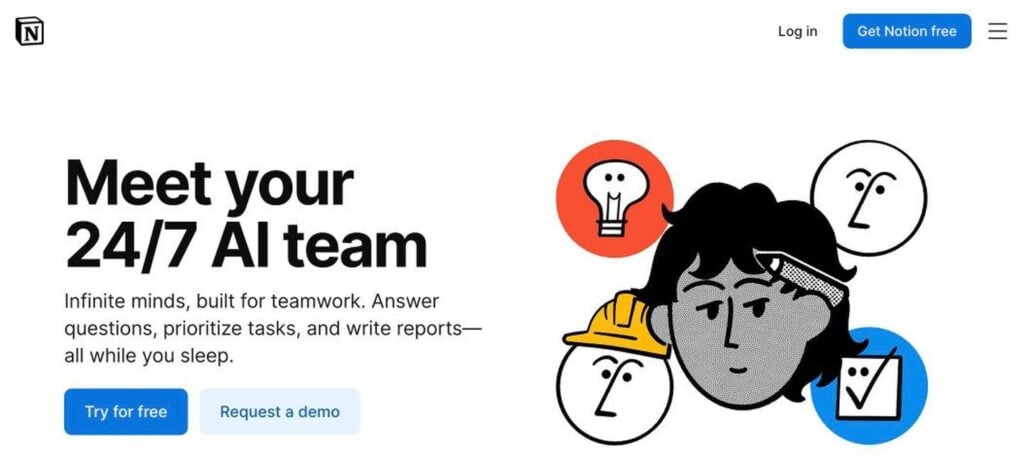
Notion AI is the AI built into the Notion workspace. It can write and edit pages, answer questions from your docs and connected apps, take meeting notes, and run AI agents that complete tasks for you. Free users get a limited AI trial, and full Notion AI comes with the Business plan from $20 per member a month billed yearly.
What is Notion AI?
Notion is a popular all-in-one workspace for notes, docs, wikis, projects and databases. Notion AI adds an assistant inside every page, so you can draft, summarise, translate and organise content without leaving your work.
It can also search across Notion and connected tools like Slack and Google Drive, record and summarise meetings, and run Notion Agents that update databases, create pages and handle multi-step tasks in the background.
Notion AI key features
Notion Agent
AI agent that can create pages, update databases and finish tasks.
Custom agents
Set up agents that run on a schedule or trigger.
AI writing
Draft, edit, summarise and translate inside any page.
Enterprise search
Search Notion, Slack, Google Drive and more in one place.
AI meeting notes
Record meetings and get summaries and action items.
Database autofill
Fill database properties automatically with AI.
Q&A on docs
Ask questions and get answers with sources from your workspace.
Multiple models
Choose top AI models from leading providers.
Templates
Start fast with AI-ready templates for any workflow.
Notion AI pricing plans (2026)
Notion has a free plan and paid plans per member. Full Notion AI is included on Business and Enterprise plans.
Free
Unlimited pages for individuals and a limited AI trial.
Plus
Unlimited blocks and file uploads for small teams. Limited AI trial. $12 billed monthly.
Business
Full Notion AI, agents, enterprise search and meeting notes. $24 billed monthly.
Prices checked in October 2026 (USD per member, billed yearly). Enterprise plans are custom, and some agent usage may use credits. Confirm on the official Notion pricing page.
How to use Notion AI
- 1
Go to notion.com/product/ai and sign up for Notion.
- 2
Create a workspace or import your existing notes and docs.
- 3
Press space on any page or open the Notion AI chat to ask for help.
- 4
Connect apps like Slack and Google Drive for enterprise search.
- 5
Upgrade to Business to unlock agents, meeting notes and full AI.
Who should use Notion AI?
Teams
Find answers fast across docs and tools.
Project managers
Let agents update tasks and write reports.
Students
Summarise notes and organise study plans.
Startups
Run docs, wikis and projects in one place.
Pros and cons
What we like
- AI built right into your workspace
- Searches across connected apps
- Agents can complete real tasks
- Great for teams already on Notion
Watch out for
- Full AI needs the Business plan
- Free and Plus only get a trial
- Can be complex for new users
- Agent credits can add cost
Best Notion AI alternatives
Notion AI is a strong choice for teams that already work in Notion. Its agents, search and meeting notes turn your workspace into a smart assistant. For full AI, budget for the Business plan.
Notion AI FAQs
Is Notion AI free?
Free and Plus users get a limited AI trial. Full Notion AI is included in the Business plan.
How much does Notion AI cost?
Full Notion AI comes with the Business plan at $20 per member a month billed yearly, or $24 monthly.
What can Notion AI agents do?
Notion agents can create pages, update databases, write reports and run tasks in the background.
Can Notion AI take meeting notes?
Yes. Notion AI can record meetings and create summaries and action items.
Can Notion AI search other apps?
Yes. Enterprise search connects to tools like Slack, Google Drive and more.
Who makes Notion?
Notion is made by Notion Labs, Inc., founded in 2013 and based in San Francisco.