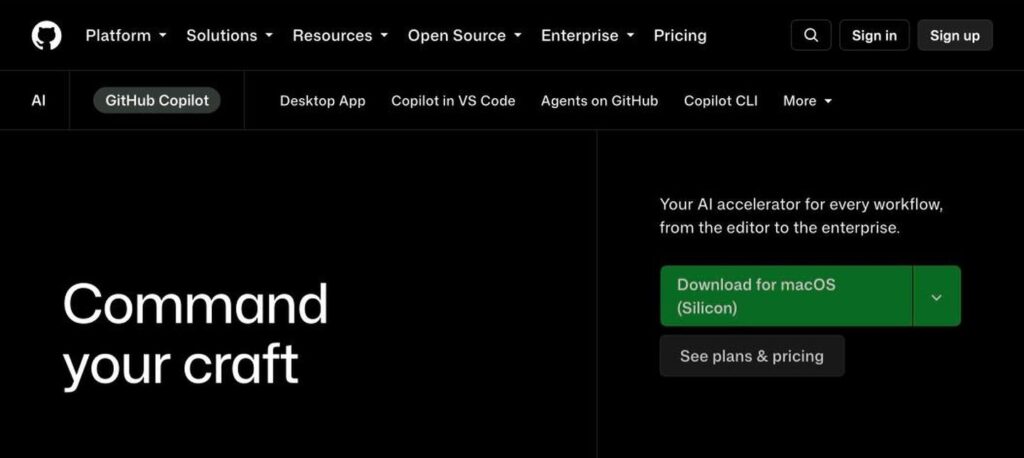
GitHub Copilot is GitHub’s AI coding assistant. It suggests code as you type, answers questions in chat, reviews pull requests and can work as a coding agent that completes tasks and opens pull requests. There is a free plan, and Pro costs $10 a month.

What is GitHub Copilot?
GitHub Copilot was one of the first popular AI coding tools and is now used by millions of developers. It works inside the editors you already use and on GitHub.com.
Copilot can complete lines and functions, explain code, write tests, and fix bugs. The coding agent can take a GitHub issue, write the code in the background and open a pull request for you to review.
GitHub Copilot key features
Code completion
Suggests lines and whole functions as you type.
Copilot Chat
Ask coding questions inside your editor or on GitHub.
Agent mode
Let Copilot plan and edit across many files.
Coding agent
Assign issues and get pull requests back.
Code review
AI review comments on your pull requests.
Model choice
Use models from OpenAI, Anthropic, Google and more.
Copilot CLI
Use Copilot in your terminal.
Multi-editor support
Works in VS Code, Visual Studio, JetBrains and more.
Free for students
Verified students and teachers can get Pro for free.
GitHub Copilot pricing plans (2026)
GitHub Copilot has a free plan for individuals and paid plans with more usage and premium models.
Free
Limited completions and chat each month in supported editors.
Pro
Unlimited completions, coding agent, code review and premium models.
Pro+
More premium model usage and access to all models.
Business
Per user. Team management, policies and IP protection.
Prices checked in October 2026 (USD). Enterprise costs $39 per user a month. Extra premium usage may be billed separately. Confirm on the official GitHub Copilot plans page.
How to use GitHub Copilot
- 1
Go to github.com/features/copilot and sign in with your GitHub account.
- 2
Choose the Free plan or start a Pro trial.
- 3
Install the Copilot extension in VS Code or your editor.
- 4
Start coding and accept suggestions with Tab, or open Copilot Chat.
- 5
Assign issues to the coding agent on GitHub and review its pull requests.
Who should use GitHub Copilot?
Developers
Write and refactor code faster.
Students
Learn coding with an AI helper, free for verified students.
Teams
Speed up code review and bug fixing.
Open source maintainers
Handle issues and pull requests faster.
Pros and cons
What we like
- Works in most popular editors
- Deep GitHub integration
- Affordable Pro plan
- Free plan and free access for students
Watch out for
- Premium model usage is limited
- Suggestions need careful review
- Advanced features vary by editor
- Business features cost more per user
Best GitHub Copilot alternatives
GitHub Copilot is a great value AI coding assistant, especially if your code lives on GitHub. Pro at $10 a month covers most developers, and the coding agent makes it more than autocomplete.
GitHub Copilot FAQs
Is GitHub Copilot free?
Yes. GitHub Copilot has a free plan with limited usage, and verified students and teachers can get Pro free.
How much does GitHub Copilot cost?
Pro costs $10/month, Pro+ $39/month, Business $19 per user and Enterprise $39 per user a month.
What is the Copilot coding agent?
It is an AI agent that works on GitHub issues in the background and opens pull requests for review.
Which editors support GitHub Copilot?
VS Code, Visual Studio, JetBrains IDEs, Xcode, Neovim, GitHub.com and the terminal.
Is GitHub Copilot better than Cursor?
Copilot is cheaper and works in many editors, while Cursor offers a full AI-first editor with a strong agent.
Who owns GitHub Copilot?
GitHub Copilot is made by GitHub, which is owned by Microsoft. It launched in 2021.