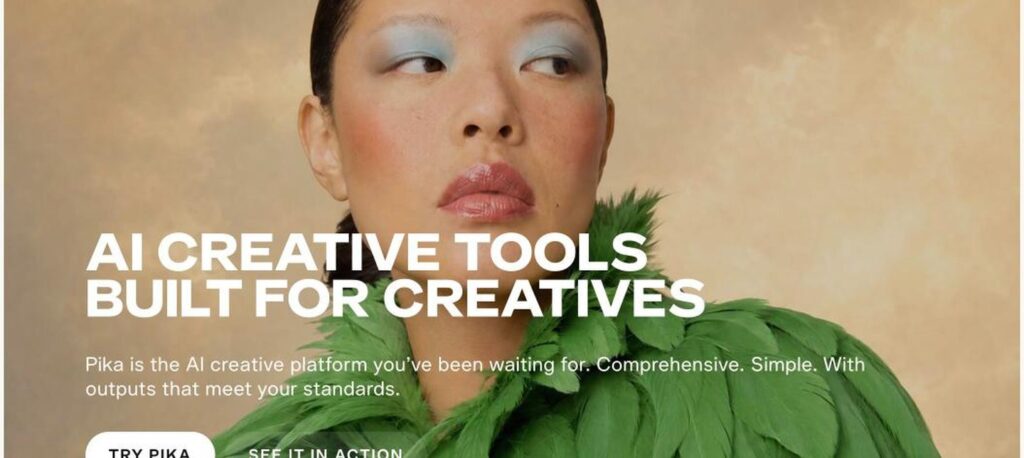
Pika (Pika Labs) is an AI creative platform for making short videos, images and audio from text prompts and images. It offers its own Pika models plus other leading video, image and music models in one place, with fun effects for social content. There is a free plan, and Starter costs $8 a month billed yearly.

What is Pika?
Pika became one of the best-known AI video generators soon after launching in 2023, thanks to easy text-to-video and image-to-video tools and viral effects like Pikaffects. You type a prompt or upload an image, and Pika turns it into a short, animated video clip.
Today Pika calls itself the AI creative platform built for creatives. Besides its own Pika models, it gives access to other top models for video, images and music, all from one account and one credit balance. Paid plans add a commercial license, more parallel generations and priority access.
Pika key features
Text to video
Turn written prompts into short video clips.
Image to video
Animate photos and illustrations.
Pika models
Use Pika’s own video models, such as Pika 2.5.
Many top models
Access other leading video, image and audio models in one place.
Pikaffects and effects
Add creative effects to objects and scenes.
AI images
Generate images with top image models.
AI music and audio
Create soundtracks and audio for your videos.
Parallel generations
Create several videos and images at the same time.
Commercial license
Use your creations commercially on paid plans.
Pika pricing plans (2026)
Pika has a free plan and paid plans. Prices below are per month billed yearly, which saves 20%.
Free
All models with credit packs only, no watermark, 2 parallel videos. No commercial license.
Starter
900 credits a month, commercial license, 2 parallel videos and 8 parallel images/audio.
Creator
3,150 credits a month, 8 parallel videos and 32 parallel images/audio.
Fancy
8,550+ credits a month, unlimited parallel generations and priority queue.
Monthly billing: Starter $10, Creator $35 and Fancy from $95. Enterprise is custom. Check the latest prices on the official Pika pricing page.
How to use Pika
- 1
Go to pika.art and sign up for free.
- 2
Choose a model and write a prompt or upload an image.
- 3
Pick the video length, style or effect you want.
- 4
Generate and preview the clip, then try variations.
- 5
Download your video and share it on social media.
Who should use Pika?
Social media creators
Make eye-catching short videos.
Marketers
Create quick video ads and visuals.
Artists
Animate illustrations and concepts.
Hobbyists
Have fun with creative AI effects.
Pros and cons
What we like
- Easy to use for beginners
- Many top AI models in one place
- No watermark even on the free plan
- Affordable Starter plan
Watch out for
- Free plan has no monthly credits
- Credits go fast with premium models
- Short clip lengths
- Commercial use needs a paid plan
Best Pika alternatives
Pika is a fun, easy AI video generator that now doubles as a hub for many top creative models. It is great for social content and quick visual ideas. The Starter plan is affordable, but heavy creators will want Creator for more credits and parallel generations.
Pika FAQs
Is Pika free?
Yes. Pika has a free plan with all models, but it has no monthly credits, so you need to buy credit packs.
How much does Pika cost?
Starter costs $8 a month, Creator $28 and Fancy from $76 billed yearly, or $10, $35 and $95 monthly.
Can I use Pika videos commercially?
Yes, on paid plans, which include a commercial license.
Does Pika add a watermark?
No. Pika lists no watermark on its plans, including Free.
What models does Pika offer?
Pika offers its own Pika models plus other top video, image and audio models.
Is there a Pika app?
Yes. Pika works on the web and has an iOS app.