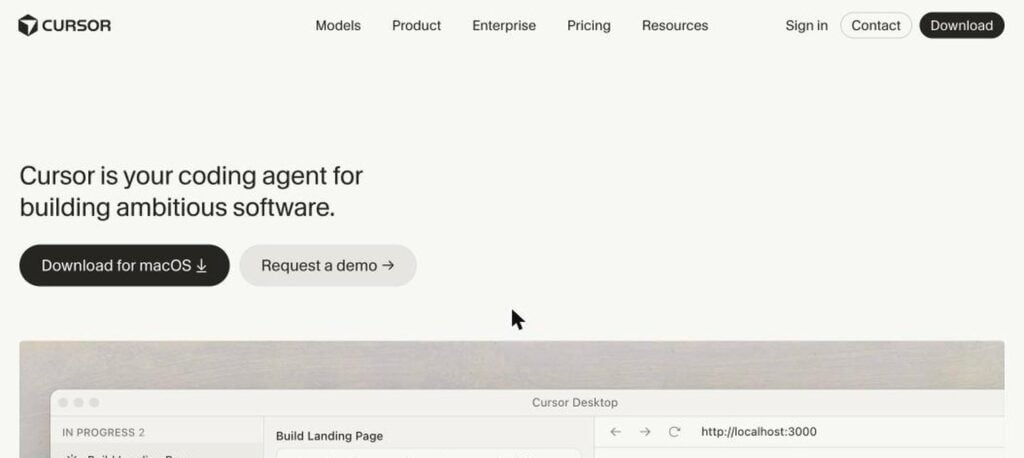
Cursor is an AI code editor and coding agent. It looks like VS Code but has AI built in, so you can ask it to write features, fix bugs and refactor code across your whole project. There is a free Hobby plan, and Pro costs $20 a month.

What is Cursor?
Cursor is one of the most popular AI coding tools. It is built on the same base as Visual Studio Code, so your extensions, themes and shortcuts work. On top of that, it adds an AI agent that understands your whole codebase.
You can chat with the agent, give it a task and review its changes, or let cloud agents work in the background. Tab completion predicts your next edit, and Bugbot reviews pull requests to catch bugs before they ship.
Cursor key features
Coding agent
Give a task and the agent edits many files to complete it.
Tab completion
Predicts and writes your next edit as you type.
Codebase understanding
Indexes your project so answers match your code.
Cloud agents
Run agents in the background and review their work later.
Bugbot
AI code review that finds bugs in pull requests.
Multiple models
Choose models from OpenAI, Anthropic, Google and Cursor.
Inline edit
Select code and describe the change in plain words.
VS Code compatible
Import your extensions, themes and keybindings.
Rules and memories
Teach Cursor your project style and conventions.
Cursor pricing plans (2026)
Cursor has a free plan and paid plans with more agent usage. Paid plans include a monthly usage allowance for AI models.
Hobby
Free trial of Pro features with limited agent and tab usage.
Pro
Unlimited tab completions, extended agent limits, Bugbot and cloud agents.
Pro+
About 3x more model usage for daily agent users.
Ultra
About 20x more usage and priority access to new features.
Prices checked in October 2026 (USD). Teams plans start at $40 per user a month, and Enterprise is custom. Extra usage can be billed beyond your allowance. Confirm on the official Cursor pricing page.
How to use Cursor
- 1
Go to cursor.com and download Cursor for your computer.
- 2
Sign in and import your VS Code settings and extensions.
- 3
Open your project folder so Cursor can index the code.
- 4
Open the agent panel and describe the feature or fix you want.
- 5
Review the changes, accept them, and run your tests.
Who should use Cursor?
Developers
Write and refactor code much faster.
Startups
Ship features with small teams.
Engineering teams
Use agents and Bugbot for code review.
Learners
Understand unfamiliar code by asking questions.
Pros and cons
What we like
- Powerful agent that edits many files
- Feels like VS Code, so easy to switch
- Excellent tab completion
- Choice of top AI models
Watch out for
- Heavy agent use can get expensive
- Usage limits can be confusing
- Needs careful review of AI changes
- Large projects can be slower to index
Best Cursor alternatives
Cursor is one of the best AI coding tools for professional developers. Its agent, tab completion and code review save a lot of time. Start with the free plan, then move to Pro for daily use.
Cursor FAQs
Is Cursor free?
Yes. Cursor has a free Hobby plan with limited usage. Pro costs $20/month.
How much does Cursor cost?
Pro is $20/month, Pro+ $60/month and Ultra $200/month. Teams start at $40 per user a month.
Is Cursor based on VS Code?
Yes. Cursor is built on VS Code, so most extensions and settings work.
Which AI models does Cursor use?
Cursor lets you choose models from OpenAI, Anthropic, Google and its own Cursor models.
What is Cursor Bugbot?
Bugbot is an AI code reviewer that checks pull requests for bugs.
Who makes Cursor?
Cursor is made by Anysphere, Inc., founded in 2022 and based in San Francisco.