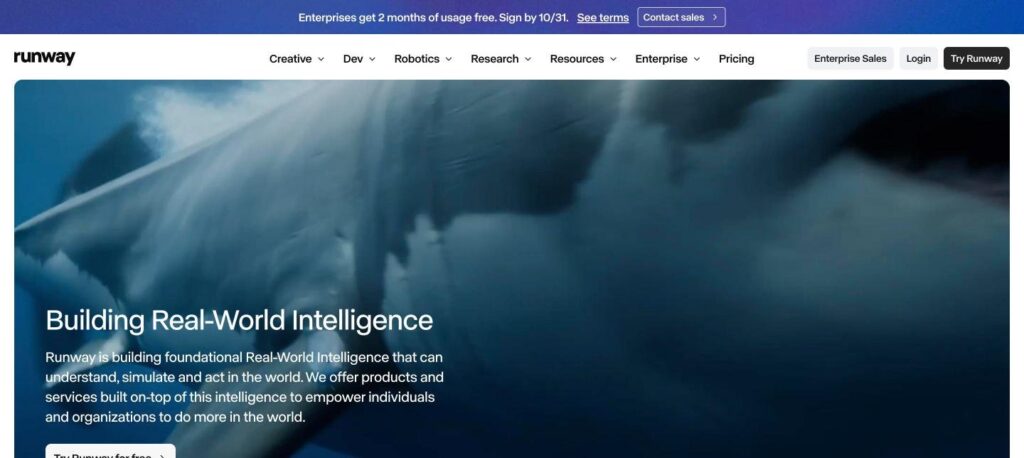
Runway is an AI video platform that turns text prompts and images into short cinematic videos. It offers Gen-4.5, Gen-4, Aleph video editing and Act-Two character animation. There is a free plan with 125 one-time credits, and paid plans start at $12 a month billed yearly ($15 monthly).

What is Runway?
Runway is one of the best known AI video generators. You write a prompt or upload an image, and its models create a video clip with camera movement, lighting and motion. It is used for ads, music videos, short films and social content.
Runway also includes AI editing tools. Aleph can change scenes, objects and styles in existing footage, and Act-Two animates characters from a performance video. Paid plans unlock all models, remove watermarks and add more monthly credits.
Runway key features
Gen-4.5 video
Create high quality video clips from text or image prompts.
Image to video
Turn a still image into a moving shot with camera control.
Aleph editing
Change objects, lighting, weather or style in existing video.
Act-Two
Animate a character using a reference performance video.
Consistent characters
Keep the same person or object across many shots.
Text to image
Generate reference frames and concept art.
Lip sync and voice
Add AI voices and lip sync to your characters.
Workflows
Chain models and steps into reusable video workflows.
Video editor
Edit, trim and combine clips in the browser.
Runway pricing plans (2026)
Runway uses a credit system. Each plan includes monthly credits, and each video generation uses credits based on model and length.
Free
125 one-time credits, image and voice tools, limited video models.
Standard
625 credits a month, all video models and no watermark. $15/mo billed monthly.
Pro
2,250 credits a month, custom voices and 500GB storage. $35/mo billed monthly.
Max
9,500 credits a month, credit rollover and early access. $95/mo billed monthly.
Prices checked in October 2026 (USD, per user, billed yearly). Enterprise plans are custom. Confirm on the official Runway pricing page.
How to use Runway
- 1
Go to runway.com and create a free account.
- 2
Choose a tool, such as Gen-4.5 for text or image to video.
- 3
Write a clear prompt that describes the subject, motion and camera.
- 4
Generate a few versions and pick the best clip.
- 5
Edit, extend or combine clips, then export your video.
Who should use Runway?
Filmmakers
Create shots, previews and visual effects.
Marketers
Make product videos and ads quickly.
Content creators
Produce eye-catching clips for social media.
Agencies
Pitch and test video ideas before a full shoot.
Pros and cons
What we like
- High quality, cinematic video output
- Strong editing tools like Aleph
- Free plan to test
- Works in the browser with no install
Watch out for
- Credits run out quickly on long videos
- Free credits do not refresh
- Best models need a paid plan
- Clips are short and need editing to combine
Best Runway alternatives
Runway is a top choice for creative AI video. Its models look great and its editing tools go beyond simple generation. Start free to test it, then choose Standard or Pro based on how many videos you make each month.
Runway FAQs
Is Runway free?
Yes. Runway has a free plan with 125 one-time credits. Paid plans start at $12/month billed yearly.
How much does Runway cost?
Standard costs $12/month yearly ($15 monthly), Pro $28/month yearly ($35 monthly) and Max $76/month yearly ($95 monthly).
What is Runway Gen-4.5?
Gen-4.5 is one of Runway’s latest video models. It creates realistic video from text or images.
Can I use Runway videos commercially?
Yes. Videos made on paid plans can be used for commercial projects. Check Runway’s terms for details.
Does Runway add a watermark?
The free plan adds a watermark. Paid plans remove it.
Who owns Runway?
Runway is made by Runway AI, Inc., a company founded in 2018 and based in New York.