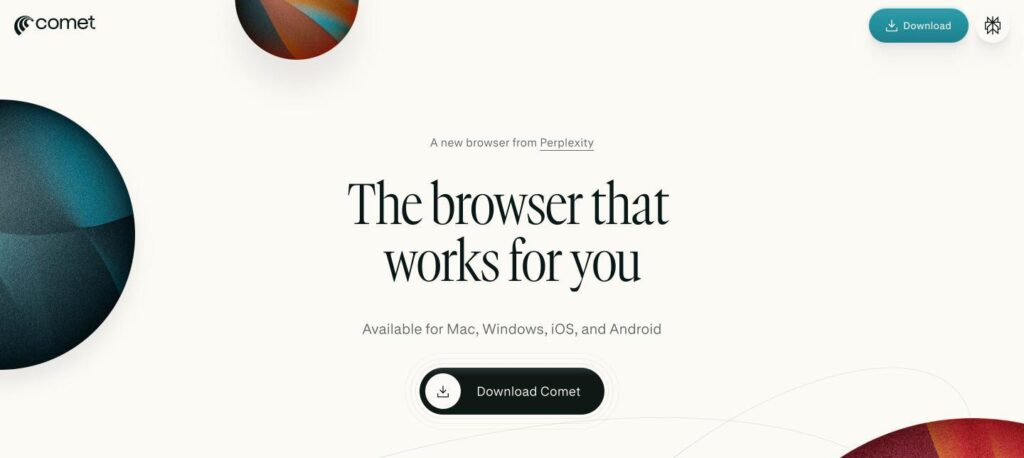
Comet is a free AI web browser from Perplexity with a built-in assistant that can summarise pages, answer questions about what you are reading and complete multi-step tasks on websites for you. It runs on Windows, Mac, iOS and Android. The browser is free, and Comet Plus costs $5 a month.

What is Perplexity Comet?
Comet is a Chromium-based browser with Perplexity’s AI built in. Instead of switching between tabs and a chatbot, you open the Comet Assistant in a sidebar and ask about the page you are on, compare tabs or get a quick summary of a long article or video.
Its agent can also act for you: it can navigate websites, fill in forms, collect information and run multi-step tasks while you watch. Because it is built on Chromium, it supports Chrome extensions and can import your bookmarks and passwords.
Perplexity Comet key features
Comet Assistant
Ask questions about any page in a sidebar while you browse.
Browser agent
Navigates sites, fills forms and completes multi-step tasks for you.
Page and video summaries
Summarise long articles and videos in one click.
Tab management
Compare, organise and search across open tabs with AI.
Perplexity search built in
Get cited answers instead of a list of links.
Shortcuts
Quick commands such as /tldr and /cite for common tasks.
Chrome extensions
Built on Chromium, so most Chrome extensions work.
Ad blocker
Built-in ad blocking for faster, cleaner pages.
Background assistants
Max users can schedule tasks that run in the background.
Perplexity Comet pricing plans (2026)
The browser itself is free to download and use. Paid Perplexity plans add higher limits for the assistant and agent, access to more AI models and premium features.
Free
Comet browser, sidebar assistant, summaries, ad blocker and limited agent tasks.
Comet Plus
Adds premium publisher content. Included with Pro and Max.
Pro
Higher limits, top AI models, research mode and file uploads. $17/mo billed yearly.
Max
Highest limits, background assistants and early access to new features.
Enterprise
Comet Enterprise is included with Perplexity Enterprise Pro and Max plans.
Prices checked in October 2026 (USD). Plans change often, so confirm on the official Perplexity website before you buy.
How to use Perplexity Comet
- 1
Go to perplexity.ai/comet and download Comet for your device.
- 2
Import your bookmarks, passwords and extensions from Chrome.
- 3
Open any page and click the Assistant to ask questions about it.
- 4
Give the assistant a task, such as comparing products or filling a form.
- 5
Upgrade to Pro or Max if you need higher limits or background tasks.
Who should use Perplexity Comet?
Researchers
Summarise sources and ask follow-up questions without leaving the page.
Students
Get quick explanations and citations while studying online.
Online shoppers
Compare products and prices across tabs with one prompt.
Busy professionals
Hand off repetitive web tasks to the browser agent.
Pros and cons
What we like
- Free to download and use
- AI assistant built into every page
- Agent can complete real web tasks
- Supports Chrome extensions and data import
Watch out for
- Agent tasks are limited on the free plan
- Agents can make mistakes on complex sites
- Gives the AI access to your browsing
- Best features need Pro or Max
Best Perplexity Comet alternatives
Comet is one of the most capable AI browsers and costs nothing to try. The free version is great for summaries and quick questions, while Pro is worth it if you rely on the agent or research mode every day. Review what access you give the agent on sensitive sites.
Perplexity Comet FAQs
Is Perplexity Comet free?
Yes. The Comet browser has been free for everyone since October 2025. Paid Perplexity plans add higher limits and extra features.
How much does Comet Plus cost?
Comet Plus costs $5 per month and is included at no extra cost with Perplexity Pro and Max.
Which devices does Comet support?
Comet is available for Windows, macOS, iOS and Android.
What can the Comet agent do?
It can navigate websites, fill in forms, compare information across tabs and complete multi-step tasks for you.
Can I use Chrome extensions in Comet?
Yes. Comet is built on Chromium, so most Chrome extensions work, and you can import bookmarks and passwords.
Who makes Comet?
Comet is made by Perplexity AI, the AI search company based in San Francisco.