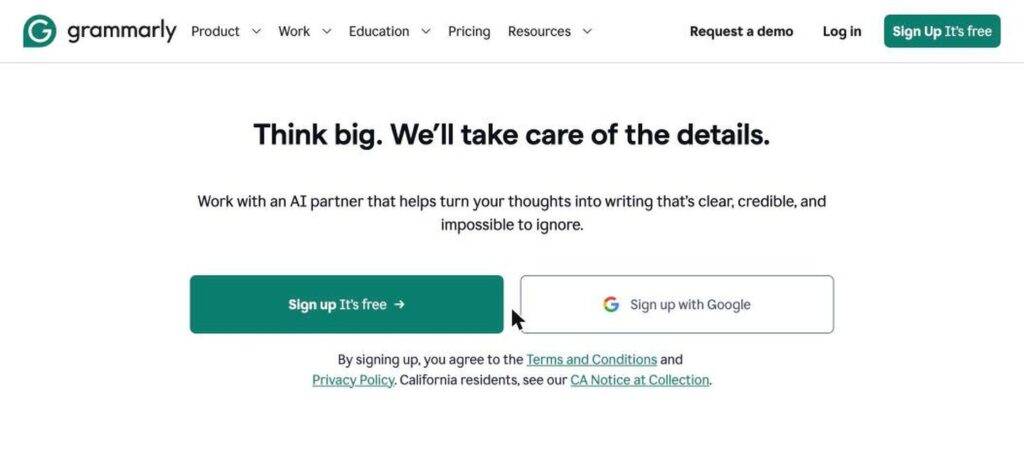
Grammarly is an AI writing assistant that checks grammar, spelling, punctuation, clarity and tone as you type. It works in your browser, email, documents and phone keyboard, and its AI can rewrite or draft text for you. There is a free plan, and Pro costs $12 a month billed yearly.

What is Grammarly?
Grammarly is one of the most widely used writing tools in the world. It underlines mistakes and unclear sentences in real time and suggests fixes in Gmail, Google Docs, Word, Slack, LinkedIn and thousands of other apps.
Its AI features go beyond grammar. You can rewrite whole sentences, change the tone, shorten text, or generate a draft from a prompt. Pro adds plagiarism and AI-text detection, brand tones and style guides. The company now operates under the Superhuman name, while the Grammarly product continues.
Grammarly key features
Grammar and spelling
Fix mistakes in grammar, spelling and punctuation in real time.
Clarity rewrites
Rewrite wordy or unclear sentences in one click.
Tone adjustments
Make text more formal, friendly, confident or direct.
AI writing
Generate drafts, replies and ideas from a short prompt.
Plagiarism check
Compare your text against billions of web pages.
AI detector
Check if text may have been written by AI.
Works everywhere
Browser extension, desktop apps and mobile keyboard.
Style guides
Keep team writing consistent with brand rules.
Citations
Find and format citations for academic work.
Grammarly pricing plans (2026)
Grammarly has a free plan for basic writing checks and paid plans with AI rewrites and advanced tools.
Free
Grammar, spelling and tone checks plus 100 AI prompts a month.
Pro
Full rewrites, tone changes, plagiarism and AI detection and 2,000 AI prompts. $30/mo billed monthly.
Enterprise
Unlimited AI prompts, advanced security, SSO and admin controls.
Prices checked in October 2026 (USD). Pro is $12/month billed yearly. Team pricing varies by seats. Confirm on the official Grammarly plans page.
How to use Grammarly
- 1
Go to grammarly.com and sign up for free.
- 2
Install the browser extension or desktop app.
- 3
Start writing in Gmail, Docs, Word or any supported app.
- 4
Click the underlined suggestions to accept fixes.
- 5
Open the Grammarly sidebar to rewrite, change tone or generate text with AI.
Who should use Grammarly?
Students
Write clear essays and check citations.
Professionals
Send polished emails and reports.
Non-native speakers
Write confident, natural English.
Teams
Keep brand voice consistent.
Pros and cons
What we like
- Works in almost every app
- Excellent grammar and clarity checks
- Useful free plan
- Helpful AI rewrites and tone tools
Watch out for
- Monthly billing is expensive
- Free plan has limited AI prompts
- Some suggestions can change your voice
- Plagiarism check needs Pro
Best Grammarly alternatives
Grammarly is still the best everyday writing assistant for most people. The free plan catches the basics, and Pro billed yearly is worth it if you write a lot for work or study.
Grammarly FAQs
Is Grammarly free?
Yes. Grammarly has a free plan with grammar, spelling and tone checks and 100 AI prompts a month.
How much does Grammarly Pro cost?
Grammarly Pro costs $12/month billed yearly or about $30 on monthly billing.
Does Grammarly have an AI detector?
Yes. Grammarly includes an AI detector, with full checks on Pro.
Does Grammarly work in Google Docs and Word?
Yes. It works in Google Docs, Microsoft Word, Gmail, Outlook and many other apps.
Is Grammarly now called Superhuman?
The company renamed itself Superhuman, but the Grammarly product and brand are still available.
When was Grammarly founded?
Grammarly was founded in 2009 by Alex Shevchenko, Max Lytvyn and Dmytro Lider.