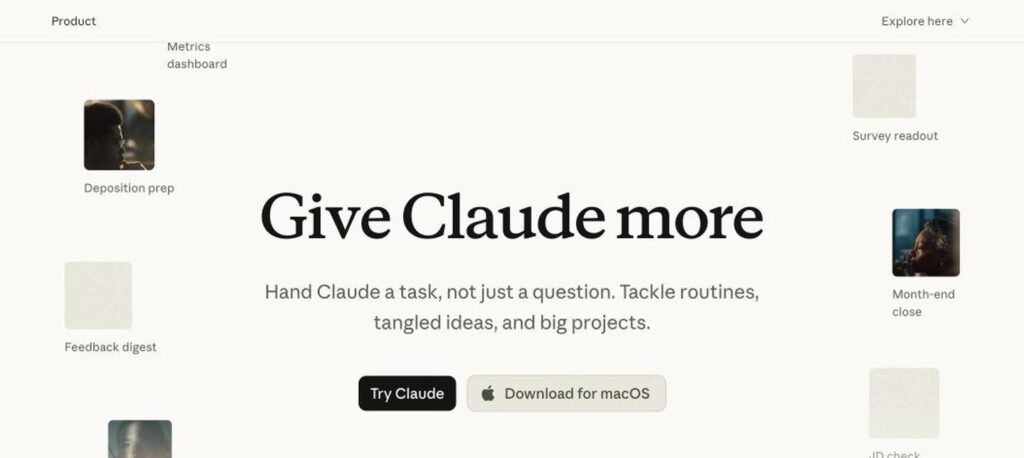
Claude is the AI assistant made by Anthropic. It is known for strong writing, careful reasoning, long document analysis and coding. Claude can research the web, work with your files and apps, and complete multi-step tasks. There is a free plan, and Pro costs $17 a month billed yearly ($20 monthly).

What is Claude?
Claude is a family of AI models and the assistant app built by Anthropic, an AI safety company. You can chat with Claude, upload long PDFs and spreadsheets, and ask it to write, summarise, analyse or explain. It is popular for natural writing and thoughtful answers.
Paid plans unlock more usage, Research, Projects and connectors to apps like Google Drive and Slack. Claude Code lets developers hand off coding tasks, and Claude can also work as an agent in your browser and desktop to finish tasks for you.
Claude key features
Writing and editing
Natural, clear writing for emails, reports, stories and more.
Long documents
Read and analyse long PDFs, contracts and research papers.
Research
Search the web and your connected apps to build cited reports.
Projects
Keep files, instructions and chats together for each project.
Artifacts
Create documents, code, charts and interactive apps in a side panel.
Claude Code
Agentic coding tool for the terminal, IDE and web.
Connectors
Connect Google Workspace, Slack, Notion and other tools.
Agents
Let Claude complete multi-step tasks in your browser or desktop.
Memory
Remember preferences and context across chats on paid plans.
Claude pricing plans (2026)
Claude has a free plan and paid plans with more usage and features. Usage limits reset over time.
Free
Chat on web, desktop and mobile with daily usage limits.
Pro
More usage, Research, Projects, connectors and Claude Code. $20/mo billed monthly.
Max
5x or 20x Pro usage ($100 or $200/mo) and priority access to new features.
Prices checked in October 2026 (USD). Team plans start at $25 per seat a month ($20 billed yearly), and Enterprise is custom. Confirm on the official Claude pricing page.
How to use Claude
- 1
Go to claude.ai and sign up with email or Google.
- 2
Type a question or task in the chat box.
- 3
Upload files, images or PDFs if you want Claude to analyse them.
- 4
Use Projects, Research or connectors for bigger tasks.
- 5
Upgrade to Pro or Max if you need more usage or Claude Code.
Who should use Claude?
Writers
Draft and edit long-form content with a natural tone.
Analysts
Summarise reports and analyse data files.
Developers
Write, review and debug code with Claude Code.
Teams
Research, plan and automate work across apps.
Pros and cons
What we like
- Excellent writing quality
- Handles long documents very well
- Strong coding and reasoning
- Useful free plan
Watch out for
- Usage limits can be reached quickly
- No built-in image generation
- Best features need a paid plan
- Max plans are expensive
Best Claude alternatives
Claude is one of the best AI assistants for writing, analysis and coding. Its answers feel careful and natural, and it handles long documents well. Start free, then choose Pro for daily work or Max for heavy use.
Claude FAQs
Is Claude free?
Yes. Claude has a free plan with daily usage limits. Pro costs $20/month or $17/month billed yearly.
How much does Claude Max cost?
Claude Max costs $100/month for 5x Pro usage or $200/month for 20x Pro usage.
Who makes Claude?
Claude is made by Anthropic, an AI safety and research company founded in 2021 and based in San Francisco.
Is Claude good for coding?
Yes. Claude is widely used for coding, and Claude Code lets developers delegate coding tasks.
Can Claude create images?
Claude does not generate images, but it can analyse images and create charts, diagrams and documents.
Is Claude better than ChatGPT?
Both are excellent. Claude is often preferred for writing and long documents, while ChatGPT offers image generation and more built-in tools.