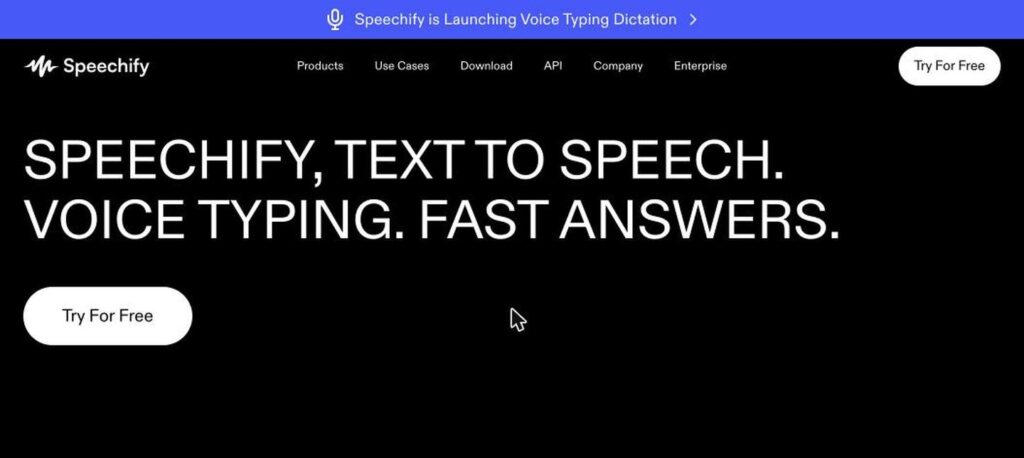
Speechify is a popular AI text to speech app. It reads documents, PDFs, web pages, emails and books aloud in natural voices, helping you listen instead of read. It also offers voice typing and AI summaries. There is a free plan, and Premium costs $139 a year (about $11.58 a month).

What is Speechify?
Speechify turns written text into natural-sounding audio. You can listen to articles, PDFs, Google Docs, emails and even photos of printed pages, and speed up playback to get through reading faster.
It was started by founder Cliff Weitzman, who has dyslexia, and it is widely used by students and professionals. Speechify now also offers voice typing dictation, AI summaries and a separate Studio for voiceovers and AI voice cloning.
Speechify key features
Text to speech
Listen to any text in natural AI voices.
1,000+ voices
Choose from many voices, including celebrity voices.
60+ languages
Listen in many languages and accents.
Speed control
Play up to 5x speed on Premium.
Scan and listen
Use OCR to read printed pages from photos.
Voice typing
Dictate text with your voice in any app.
AI summaries
Get short summaries of long documents.
Chrome extension
Listen to web pages and Google Docs.
Speechify Studio
Create voiceovers and clone voices for videos.
Speechify pricing plans (2026)
Speechify has a free plan with basic voices and a Premium plan with natural voices and advanced features. Studio is priced separately.
Free
Basic voices, normal speed and limited files.
Premium
1,000+ natural voices, 60+ languages, up to 5x speed, OCR and AI summaries. Billed $139 yearly.
Studio Starter
Voiceovers, voice cloning and commercial rights for creators.
Prices checked in October 2026 (USD). Premium monthly billing costs about $29. Plans auto-renew, so check cancellation terms before you subscribe. Confirm on the official Speechify pricing page.
How to use Speechify
- 1
Go to speechify.com and sign up for free.
- 2
Install the app or Chrome extension.
- 3
Open a document, PDF or web page, or scan a page with your phone.
- 4
Press play and choose a voice and speed.
- 5
Upgrade to Premium for natural voices and faster speeds.
Who should use Speechify?
Students
Listen to textbooks and notes.
Professionals
Get through emails and reports faster.
People with dyslexia
Read with less effort by listening.
Commuters
Turn articles into audio on the go.
Pros and cons
What we like
- Very natural voices
- Works on many devices and apps
- Helpful for dyslexia and accessibility
- Fast listening speeds
Watch out for
- Monthly price is high
- Best voices need Premium
- Some users report billing and cancellation issues
- Studio is a separate subscription
Best Speechify alternatives
Speechify is one of the best text to speech apps for listening to anything you need to read. It is especially helpful for students and people with dyslexia. Choose the yearly plan for the best value and check renewal terms.
Speechify FAQs
Is Speechify free?
Yes. Speechify has a free plan with basic voices. Premium costs $139 a year or about $29 a month.
What does Speechify do?
Speechify reads text aloud in natural voices, including PDFs, web pages, docs and scanned pages.
Does Speechify work on iPhone and Android?
Yes. Speechify has iOS and Android apps, plus a Chrome extension and desktop apps.
Is Speechify good for dyslexia?
Yes. Speechify was created by a founder with dyslexia and is popular for accessibility.
Can Speechify clone my voice?
Voice cloning is available in Speechify Studio, which is a separate plan.
How do I cancel Speechify?
You can cancel from your account settings or app store subscription before renewal.