
Quick answer
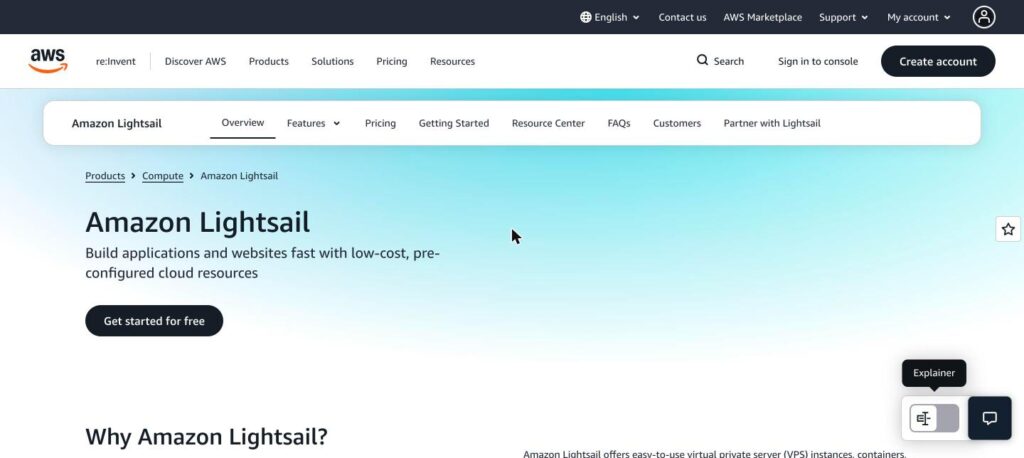
Amazon Lightsail is the simple, fixed-price VPS service from AWS. Linux servers with a public IPv4 address start at $5 a month with 0.5 GB RAM, 2 vCPUs, 20 GB SSD and 1 TB transfer, and you can launch ready-made WordPress, LAMP or Node.js images in a few clicks. Lightsail is part of the AWS Free Tier.

What is Amazon Lightsail?
Lightsail packages compute, SSD storage, data transfer, a static IP and DNS management into one predictable monthly price, without the complexity of full AWS.
You can start with a one-click app like WordPress and later connect to other AWS services such as S3, CloudFront or RDS as you grow.
Amazon Lightsail key features
01
Fixed bundles
One price covers server, storage and transfer.
02
One-click apps
WordPress, LAMP, Node.js and more.
03
Static IP and DNS
Static IP and DNS management included.
04
Browser SSH
One-click SSH or RDP access.
05
Snapshots
Manual and automatic snapshots.
06
Managed databases
MySQL and PostgreSQL from $15 a month.
07
Load balancers
Add load balancers and CDN.
08
IPv6-only bundles
Cheaper plans without IPv4.
09
AWS integration
Connect to the wider AWS platform.
Amazon Lightsail pricing plans (2026)
Amazon Lightsail Linux bundles with a public IPv4 address are priced per month below. Usage is billed hourly up to the monthly price, and Windows bundles cost more.
Linux virtual servers (IPv4)
$5 bundle
Linux/Unix · IPv4
- 0.5 GB RAM
- 2 vCPUs
- 20 GB SSD
- 1 TB transfer
$7 bundle
Linux/Unix · IPv4
- 1 GB RAM
- 2 vCPUs
- 40 GB SSD
- 2 TB transfer
Popular
$12 bundle
Linux/Unix · IPv4
- 2 GB RAM
- 2 vCPUs
- 60 GB SSD
- 3 TB transfer
$24 bundle
Linux/Unix · IPv4
- 4 GB RAM
- 2 vCPUs
- 80 GB SSD
- 4 TB transfer
$44 bundle
Linux/Unix · IPv4
- 8 GB RAM
- 2 vCPUs
- 160 GB SSD
- 5 TB transfer
Linux bundles compared
| Feature | $5 | $7 | $12 | $24 | $44 |
|---|---|---|---|---|---|
| RAM | 0.5 GB | 1 GB | 2 GB | 4 GB | 8 GB |
| vCPUs | 2 | 2 | 2 | 2 | 2 |
| SSD storage | 20 GB | 40 GB | 60 GB | 80 GB | 160 GB |
| Transfer | 1 TB | 2 TB | 3 TB | 4 TB | 5 TB |
| IPv6-only price | $3.50 | $5 | $10 | $20 | $40 |
What every plan includes
- Static IPv4 address
- DNS management
- One-click SSH/RDP
- Data transfer allowance
- Snapshots
- AWS Free Tier eligible
Larger bundles go up to 192 GB RAM. Regions such as Mumbai, Sydney and Sao Paulo include half the transfer allowance. Extra transfer is billed per GB.
How to use Amazon Lightsail
- 1
Sign in to the AWS console and open Lightsail.
- 2
Click Create instance and pick a region.
- 3
Choose Linux or Windows and an app or OS image.
- 4
Select a bundle and name your instance.
- 5
Attach a static IP and connect over SSH.
Who should use Amazon Lightsail?
WordPress sites
One-click WordPress on a fixed monthly price.
Developers
Test environments and small apps on AWS.
Small businesses
Simple servers that can grow into AWS.
Agencies
Separate low-cost servers per client.
Pros and cons
What we like
- Simple, predictable AWS pricing
- Generous transfer allowances
- Free Tier to get started
- Easy path to other AWS services
Watch out for
- Unmanaged, needs server skills
- $5 plan has only 0.5 GB RAM
- Less transfer in some Asian regions
- Support plans cost extra
Best Amazon Lightsail alternatives
Our verdict
Amazon Lightsail is the easiest way into AWS, with fixed monthly bundles and one-click apps. It suits developers and small sites that may later need more AWS services.
Amazon Lightsail FAQs
Is Amazon Lightsail free?
Lightsail is part of the AWS Free Tier, so you can start for free; after that bundles start at $5 a month.
What is the cheapest Lightsail plan?
IPv6-only Linux bundles start at $3.50 a month; with IPv4 they start at $5.
Is Lightsail managed hosting?
No. You manage the server, though one-click apps make setup easy.
Does Lightsail include transfer?
Yes. Bundles include 1 TB to 9 TB or more of data transfer.
Can I upgrade from Lightsail to EC2?
Yes. You can export snapshots to Amazon EC2.