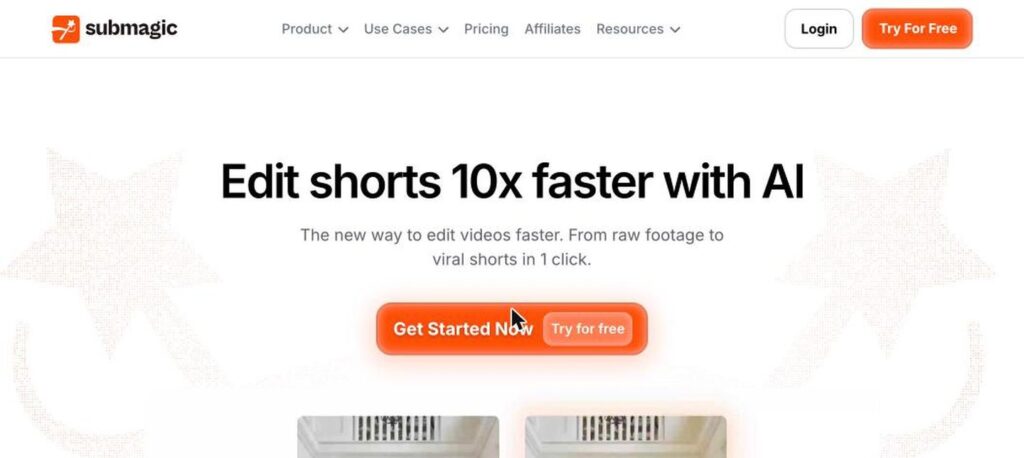
Submagic is an AI video editor for short-form content. Upload a video, and Submagic automatically adds animated captions, emojis, B-roll, zooms, sound effects and music, turning raw footage into engaging shorts for TikTok, Instagram Reels and YouTube Shorts. Plans start at $19 a month, with a free trial.

What is Submagic?
Submagic became popular for its eye-catching animated captions, the style seen on many viral short videos. It can caption videos in many languages and highlight key words automatically.
Beyond captions, it adds B-roll, transitions, auto zooms, sound effects and music, removes silences and can turn long videos into short clips. Teams can use brand templates and the API for scale.
Submagic key features
AI captions
Animated captions with emojis and highlights.
Caption templates
Trendy styles and custom brand templates.
Auto B-roll
Add relevant footage automatically.
Auto zooms
Dynamic zooms to keep viewers engaged.
Silence removal
Cut pauses and filler automatically.
Music and sound effects
Add background music and SFX.
Long video to shorts
Turn long videos into short clips.
Brand kit
Keep fonts and colours consistent.
API
Automate editing at scale.
Submagic pricing plans (2026)
Submagic is paid per member with a free trial. Plans differ by number of videos, video length and AI features.
Starter
15 videos a month up to 2 minutes, no watermark and AI captions.
Pro
40 videos a month up to 5 minutes, AI credits and custom templates.
Business
100 videos a month, 4K export and API access.
Prices checked in October 2026 (USD per member). Yearly billing may be cheaper. Custom plans are available. Confirm on the official Submagic pricing page.
How to use Submagic
- 1
Go to submagic.co and start your free trial.
- 2
Upload your video or paste a link.
- 3
Choose a caption style and language.
- 4
Let Submagic add captions, B-roll and effects, then tweak.
- 5
Export your short and post it to TikTok, Reels or Shorts.
Who should use Submagic?
Creators
Make viral-style shorts faster.
Coaches and educators
Turn talks into engaging clips.
Agencies
Edit shorts for many clients.
Brands
Produce on-brand social videos.
Pros and cons
What we like
- Excellent animated captions
- Saves hours of editing
- Many languages supported
- Easy to use
Watch out for
- No permanent free plan
- Video limits per month
- Longer videos need higher plans
- Style may feel similar to other creators
Best Submagic alternatives
Submagic is one of the best tools for fast, engaging captions on short videos. It is ideal for creators who post daily. Use the free trial and pick a plan based on how many videos you make.
Submagic FAQs
Is Submagic free?
Submagic offers a free trial but no permanent free plan. Starter costs $19/month.
How much does Submagic cost?
Starter is $19, Pro $39 and Business $69 per member a month.
What languages does Submagic support?
Submagic supports captions in many languages.
Can Submagic make shorts from long videos?
Yes. It can turn long videos into short clips.
Does Submagic add B-roll?
Yes. It can add relevant B-roll automatically.
Where is Submagic based?
Submagic was founded in 2023 and is based in France.