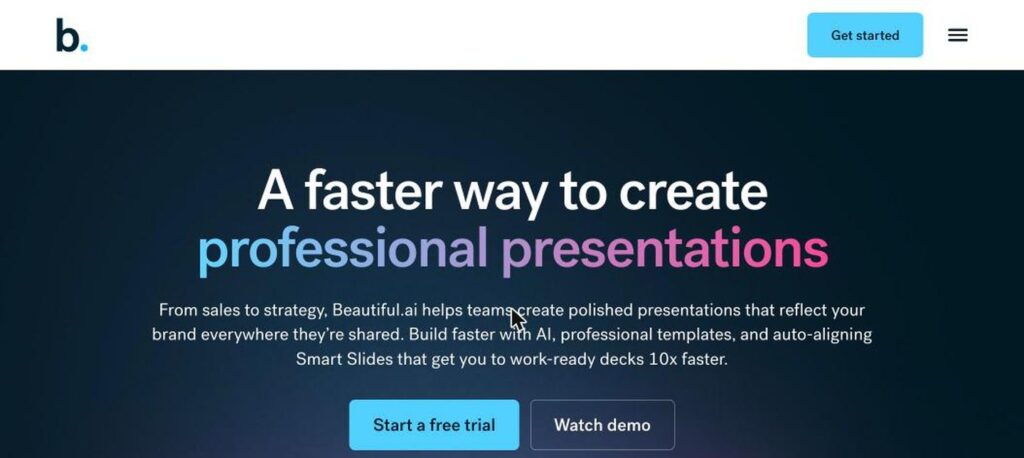
Beautiful.ai is AI presentation software for teams. Its Smart Slides automatically adjust layout, spacing and alignment as you add content, and DesignerBot can create a full deck from a prompt. There is no free plan, but there is a 14-day free trial, and Pro costs $12 a month billed yearly.

What is Beautiful.ai?
Beautiful.ai is built to make good-looking slides without design skills. Instead of moving boxes around, you choose a Smart Slide layout, add content and the design adapts automatically to keep everything aligned and on brand.
DesignerBot uses AI to generate a whole presentation from a description, with outline preview and chat-style edits. Team plans add brand controls, shared templates and collaboration so every deck stays consistent.
Beautiful.ai key features
Smart Slides
Layouts that auto-adjust as you add content.
DesignerBot
Generate full decks from a prompt.
Outline preview
Review and edit the outline before the deck is built.
300+ templates
Smart Slide templates for many use cases.
Brand controls
Lock fonts, colours and logos for teams.
Collaboration
Edit and comment together in real time.
Analytics
See who viewed your deck and for how long.
PowerPoint export
Export or work with PowerPoint files.
Stock media
Built-in images, icons and video.
Beautiful.ai pricing plans (2026)
Beautiful.ai is paid only. Every plan starts with a 14-day free trial, and yearly billing is much cheaper than monthly.
Pro
Unlimited slides and AI for one user. $45 billed monthly.
Team
Per user. Shared themes, brand controls and collaboration, 2-seat minimum.
Enterprise
Advanced security and admin for larger teams.
Prices checked in October 2026 (USD, billed yearly). The free trial may need a card and converts to a paid plan. Confirm on the official Beautiful.ai pricing page.
How to use Beautiful.ai
- 1
Go to beautiful.ai and start a free trial.
- 2
Pick a template or ask DesignerBot to create a deck.
- 3
Edit the outline, then generate your slides.
- 4
Add content to Smart Slides and let them auto-format.
- 5
Present, share a link or export to PowerPoint.
Who should use Beautiful.ai?
Sales teams
Create on-brand pitch decks quickly.
Marketers
Build campaign and report decks.
Consultants
Make polished client presentations.
Founders
Design investor decks without a designer.
Pros and cons
What we like
- Slides always look clean and aligned
- Fast AI deck generation
- Strong team brand controls
- Affordable yearly Pro plan
Watch out for
- No free plan
- Monthly billing is much more expensive
- Less design freedom than PowerPoint
- DesignerBot relies on templates
Best Beautiful.ai alternatives
Beautiful.ai is a great pick for teams that want consistently polished slides with less effort. Choose yearly billing for the best price and use the trial to test DesignerBot.
Beautiful.ai FAQs
Is Beautiful.ai free?
No. Beautiful.ai has no free plan, but offers a 14-day free trial.
How much does Beautiful.ai cost?
Pro is $12/month billed yearly or $45 monthly. Team is $40 per user a month billed yearly.
What is DesignerBot?
DesignerBot is Beautiful.ai’s AI that creates presentations from a prompt.
What are Smart Slides?
Smart Slides automatically adjust layout and spacing as you add content.
Can I export to PowerPoint?
Yes. Beautiful.ai supports PowerPoint export.
Where is Beautiful.ai based?
Beautiful.ai is based in San Francisco and launched in 2018.